Close search
Close search

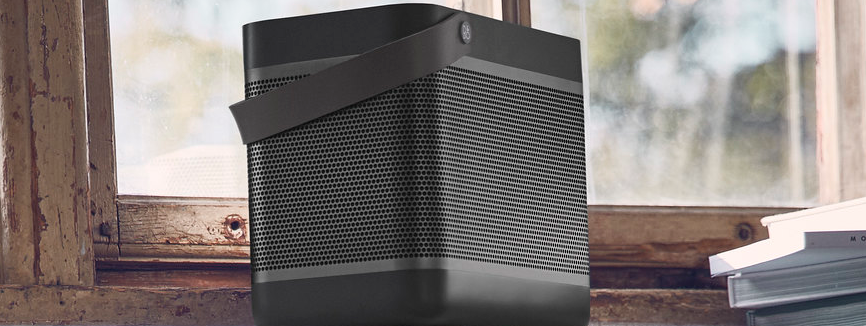
Beolit 17 iOS Bluetooth connection

BL17b1.png

Follow the instructions here to learn how to connect your Beolit 17 to an iOS device:

  1. Turn on Bluetooth on your iOS device.
  2. Verify if Beolit 17 is listed as an already paired device. If yes, please remove the pairing. If not, proceed to the next step.
  3. Switch on your Beolit 17.
  4. Press and hold the Bluetooth button for 2 seconds. The product indicator will start flashing blue, and your Beolit 17 is ready to connect to your iOS device.
  5. Enable the Bluetooth search on your iOS device.
  6. Beolit 17 should appear as an available connection.
  7. Tap Beolit 17 to connect.

Var denne artikel en hjælp?

Tak for tilbagemeldingen!


Klar til at hjælpe dig døgnet rundt

Our support site is under construction

Vi opretter en helt ny supportsektion til dig, og denne særlige produktgruppe er desværre ikke tilgængelig endnu.

For support af disse produkter henviser vi til supportsiderne, som du får adgang til via linket nedenfor.

Chat Support under opbygning

Vi arbejder på at give dig en splinterny funktion. Hvis du har brug for hjælp til dit produkt, bedes du kontakte vores kundeservice via kontaktformularen eller ved at ringe til os. kontaktformular eller ved at ringe til os
Virtual Assistant
X
Drevet af Zendesk