Close search
Close search

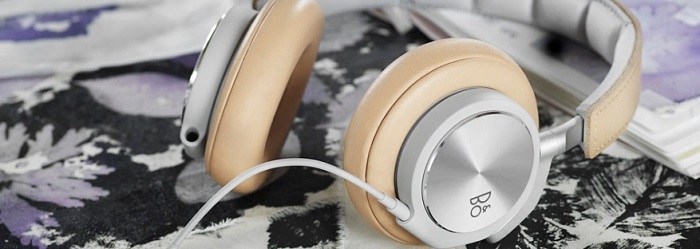
Beoplay H6 call and music controls

h6b1.jpg

The remote lets you activate features such as play/pause, changing tracks, taking calls, and more. Here are the most important features you need to know about.
  1. mceclip0.png

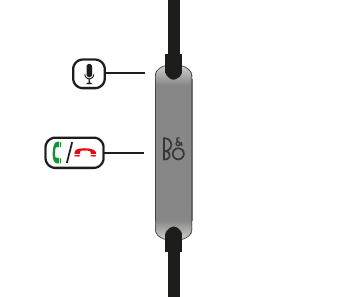
    Call controls

    • Answer a call: Press centre button
    • End a call: Press centre button
  2. mceclip1.png

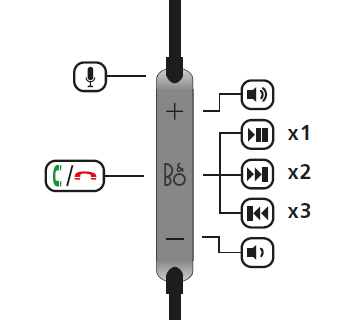
    Music controls

    • To pause/play: Press the centre button once
    • To skip to the next track: Press the centre button twice
    • To return to the previous track: Press the centre button three times


Var denne artikel en hjælp?

Klar til at hjælpe dig døgnet rundt

Our support site is under construction

Vi opretter en helt ny supportsektion til dig, og denne særlige produktgruppe er desværre ikke tilgængelig endnu.

For support af disse produkter henviser vi til supportsiderne, som du får adgang til via linket nedenfor.

Chat Support under opbygning

Vi arbejder på at give dig en splinterny funktion. Hvis du har brug for hjælp til dit produkt, bedes du kontakte vores kundeservice via kontaktformularen eller ved at ringe til os. kontaktformular eller ved at ringe til os
Virtual Assistant
X
Drevet af Zendesk