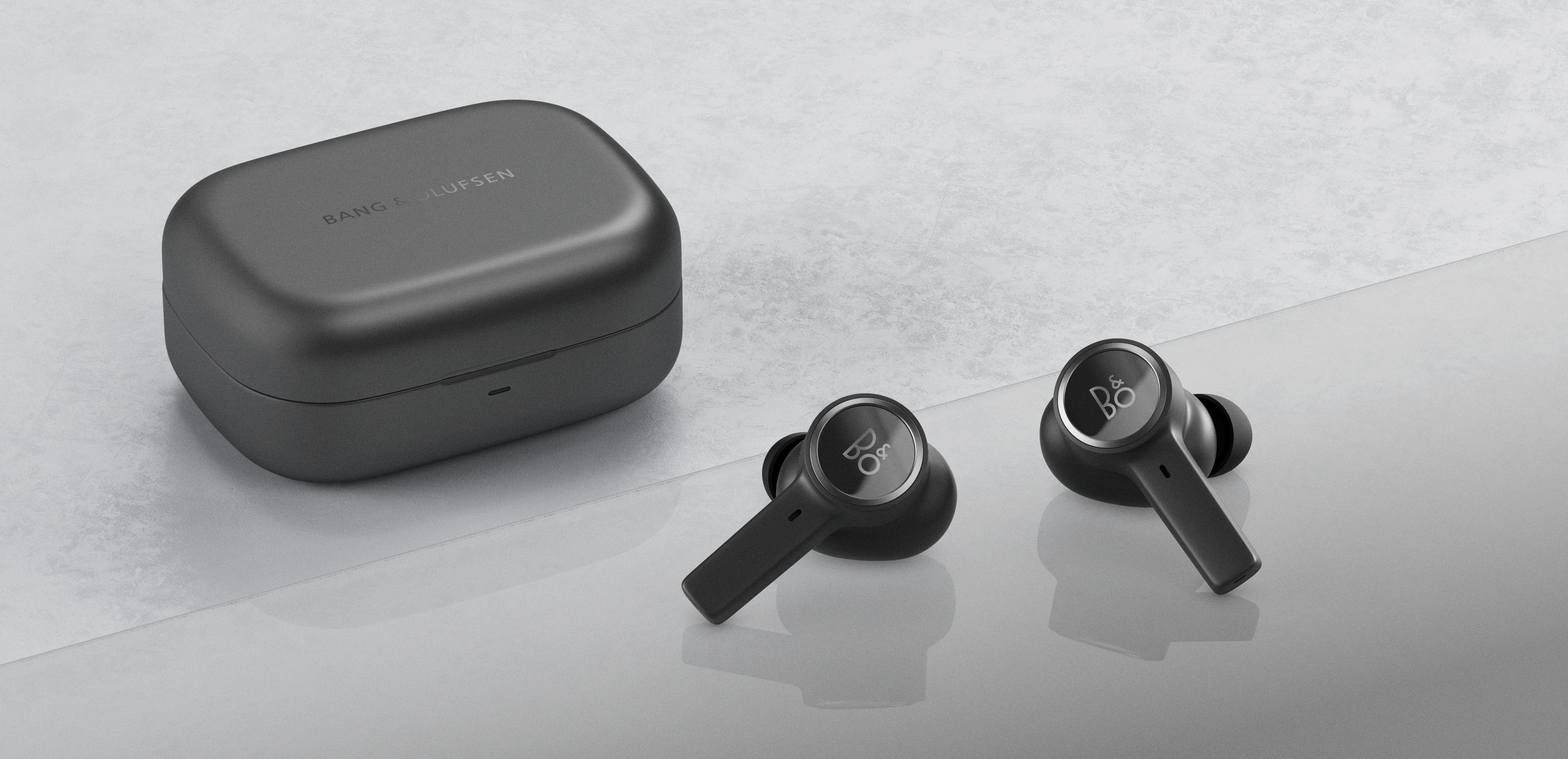
The Bang & Olufsen app offers different options to enjoy your music and personalise your experience.
Please note that not all features are supported by all products.
You can download the Bang & Olufsen app here:

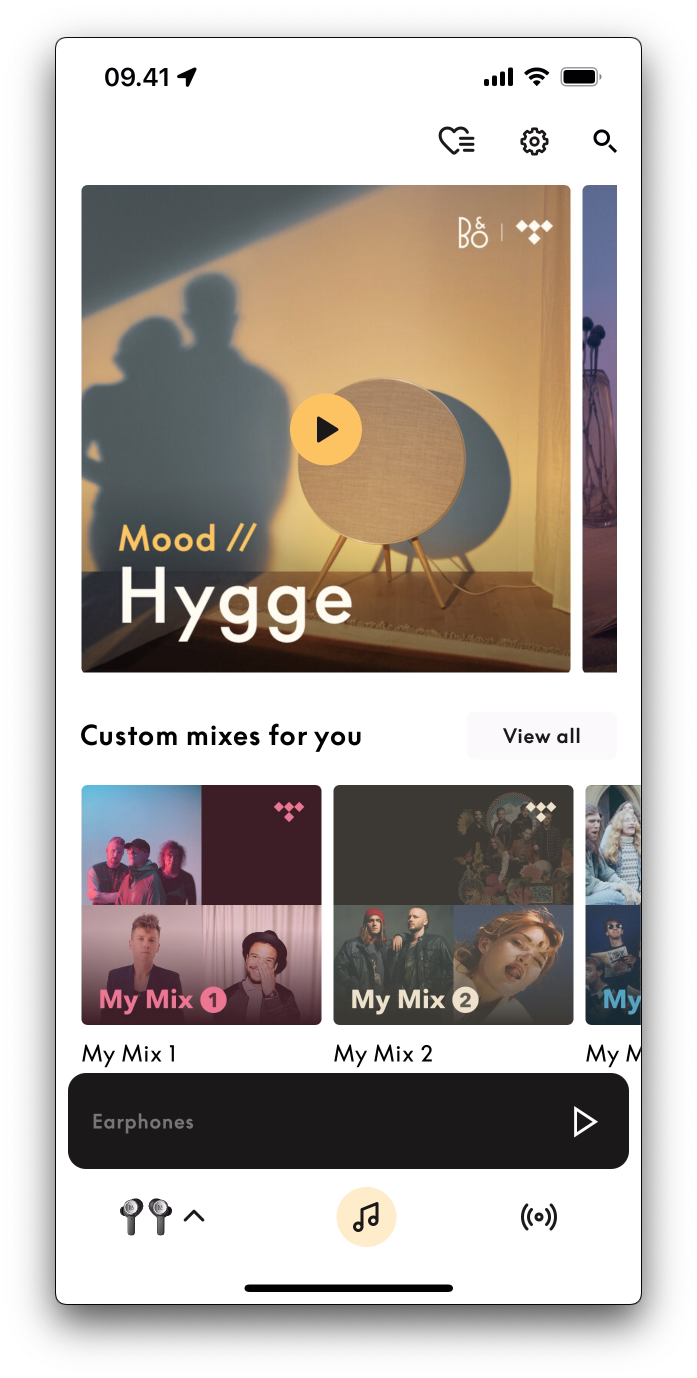
Music
-
Play music from your TIDAL account directly through the Bang
& Olufsen app to your portable Bluetooth product.
|
|
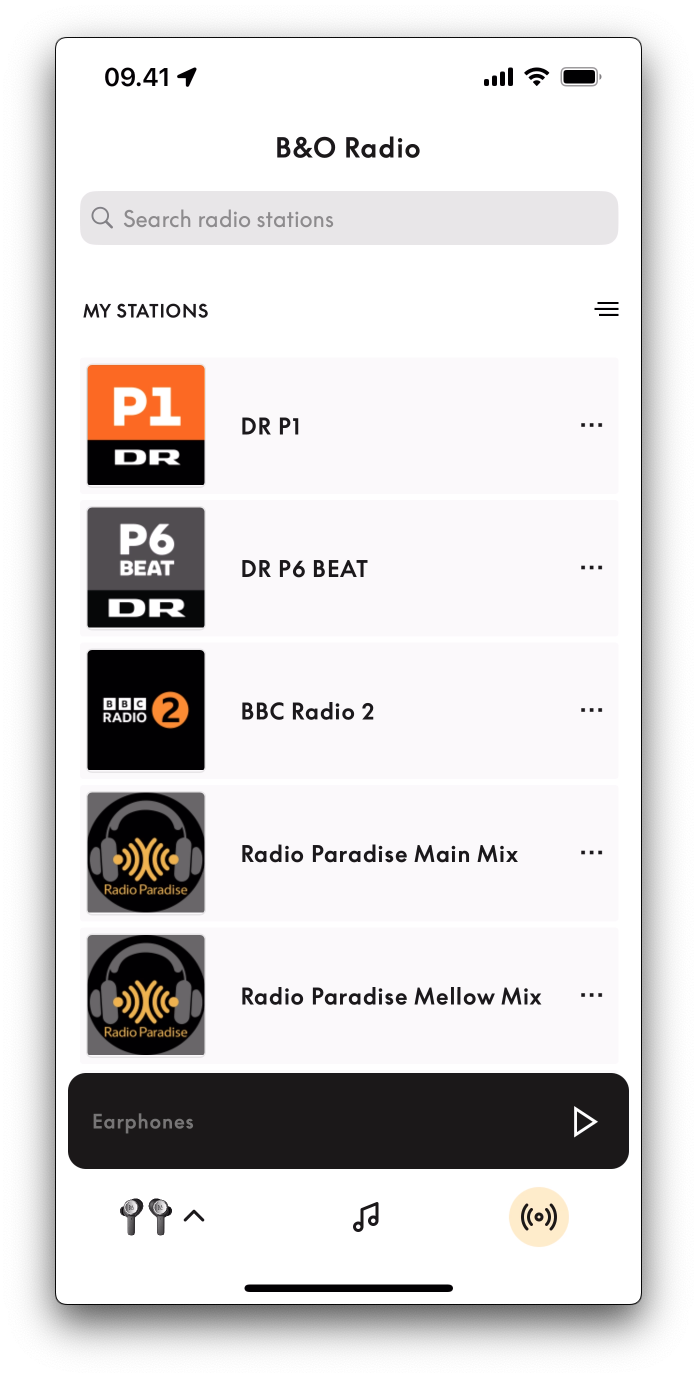
Radio
-
The Radio section provides a selection of radio stations
to choose from and even lets you stream directly to your
portable Bluetooth product.
|
|
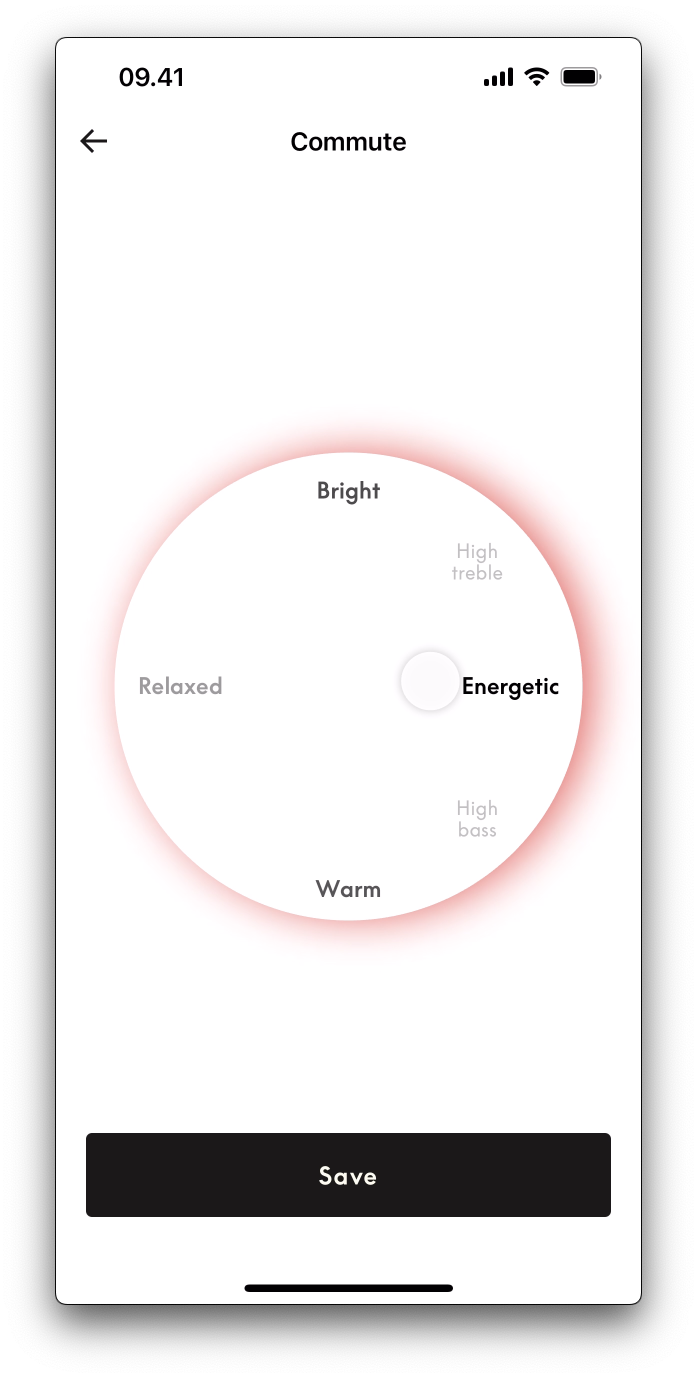
Listening modes
- On the product page, you can access the Beosonic feature.
-
Just select your product in the product list to access the
different listening mode options
|
|
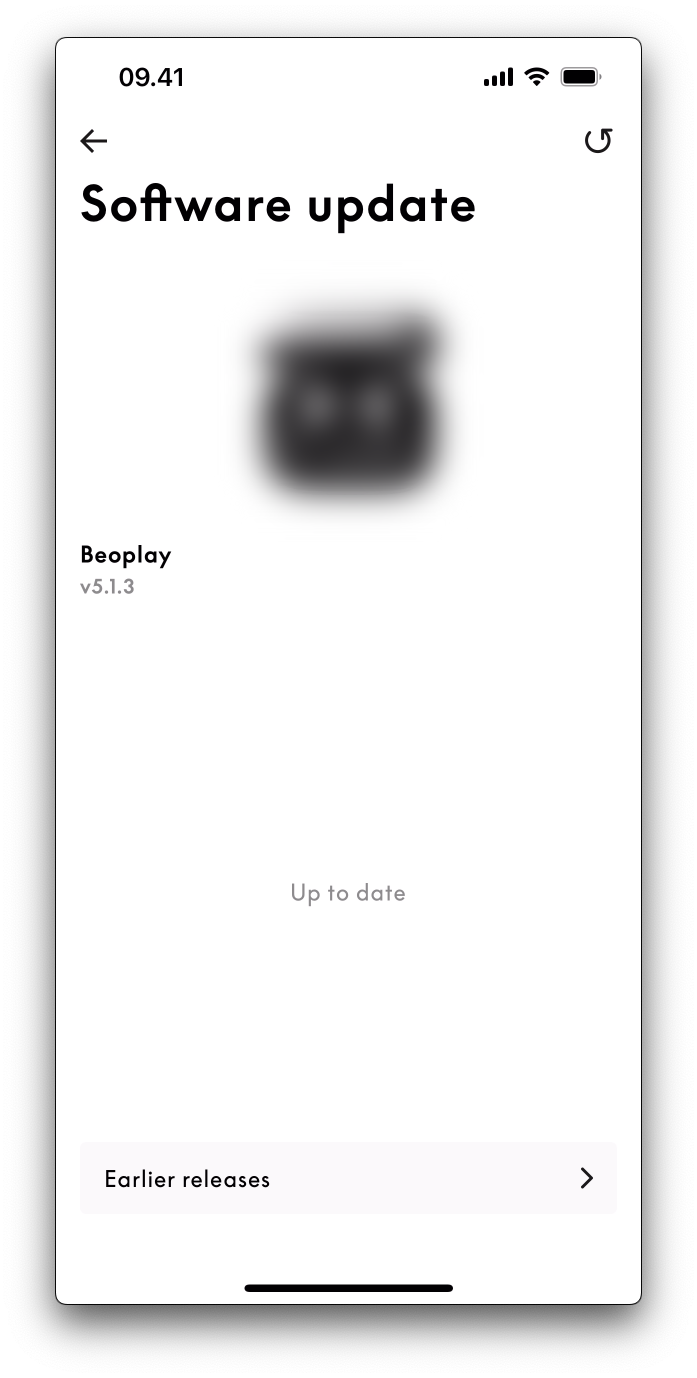
Software updates
-
Product software is updated using the Bang & Olufsen
app. This helps ensure that your product always has the latest
features.
|
|
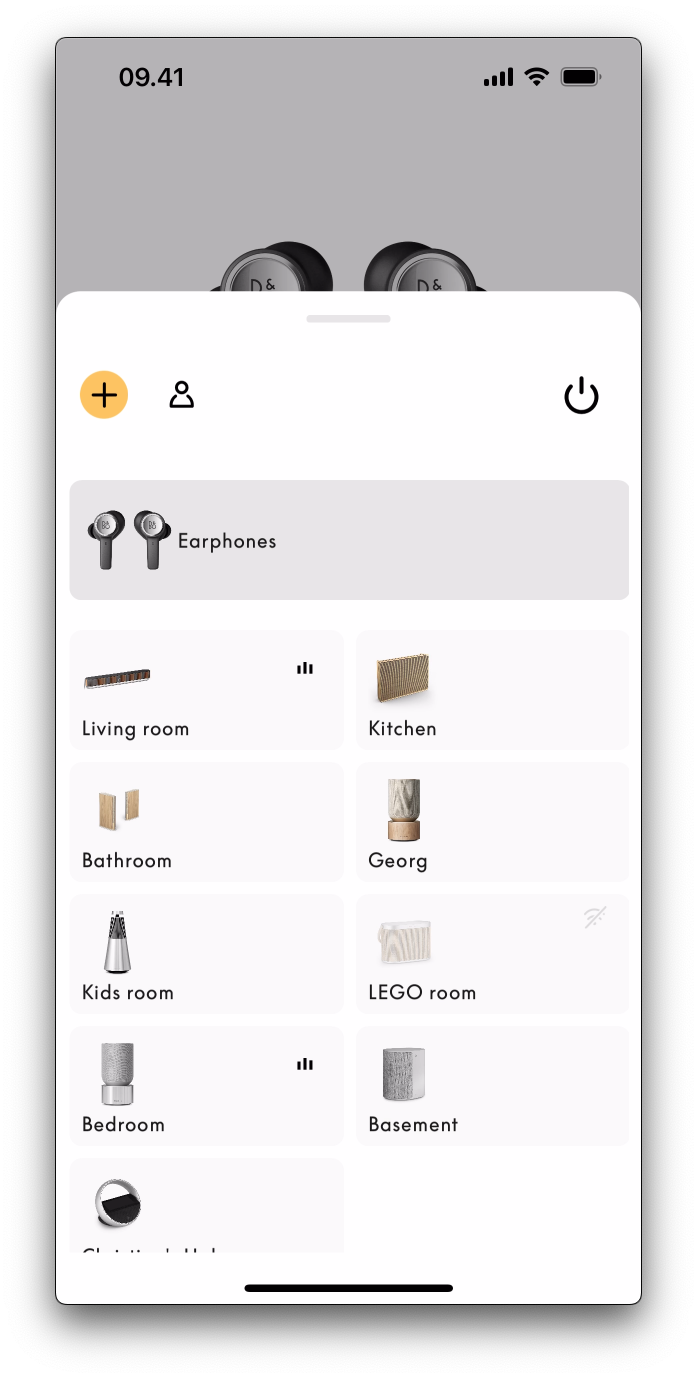
Product registration
-
Your Bang & Olufsen product is automatically registered
when it is added to the Bang & Olufsen app.
-
You add your product by tapping the + icon in the upper-right
corner and following the steps shown on the screen.
|
|
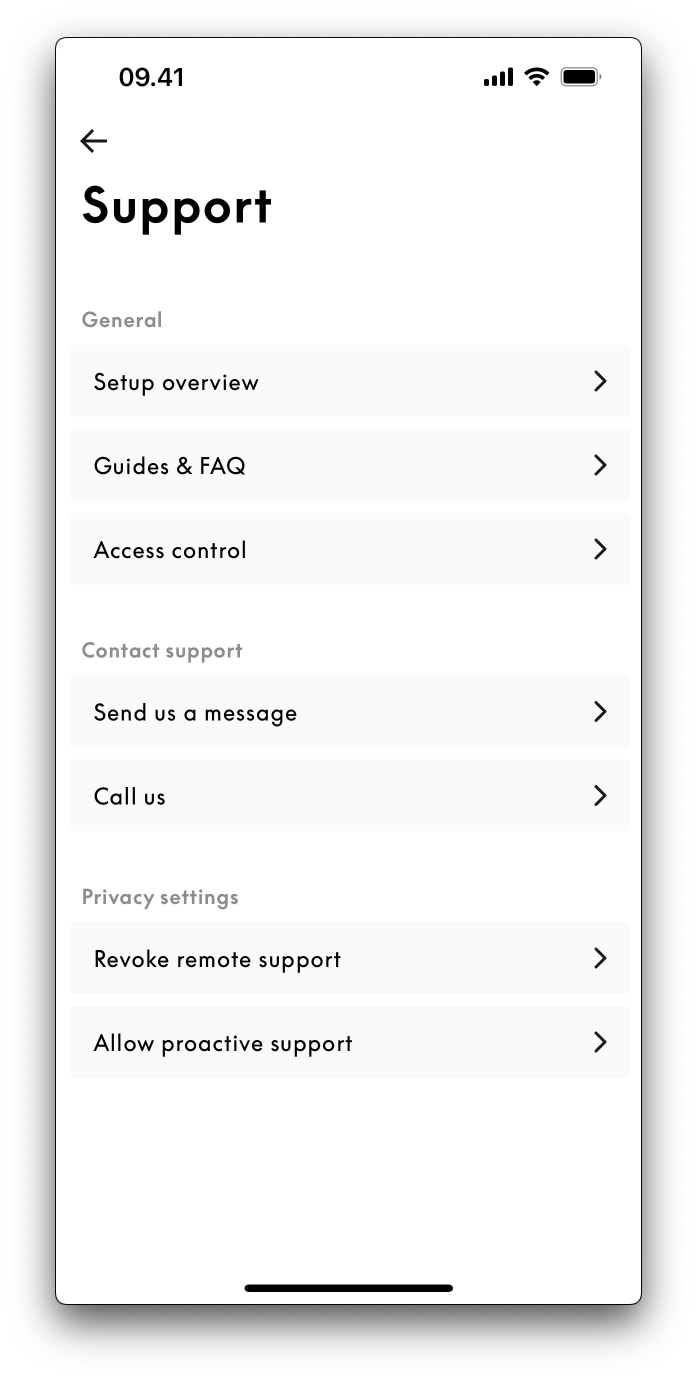
Support
-
You can contact our Customer Care team directly from the
app by tapping Support in the Settings section.
-
Select the product and issue in question and enter the details
of your query, and our Customer Care team will do their best
to assist.
|
|
Note: Images shown are for illustration purposes only and may not be an exact representation of the current app version.
Was this article helpful?
Thank you for the feedback!

