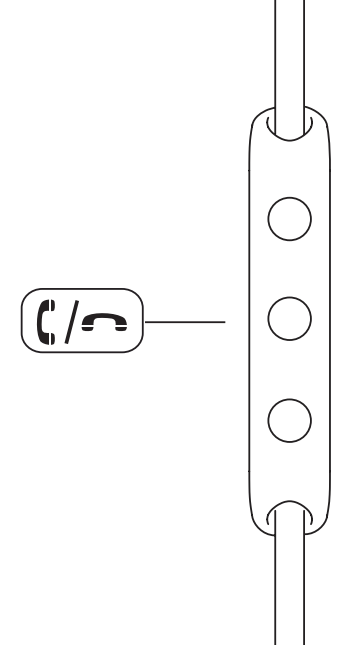
The intuitive controls for your Beoplay E6 Motion let you answer, reject and end a phone call simply using the button on the control panel.
Note: If there is no audio in your Beoplay E6 Motion, e.g. if you answer the call directly on your phone, open the sound mode (speaker selection) on your phone and select the setting that will transfer the call to the Beoplay E6 Motion.
Alternatively, you can change the ‘Call Audio Routing’ setting to ‘Bluetooth Headset’ instead of ‘Automatic’ (applies to iPhone only).
Please note: Only phone calls and Facetime calls will be directed to the headset, not calls from VoIP services such as Microsoft Teams.
 1
1
Answer or reject a phone call
• Short press the centre button to accept a call.
• Long press the centre button to reject a call.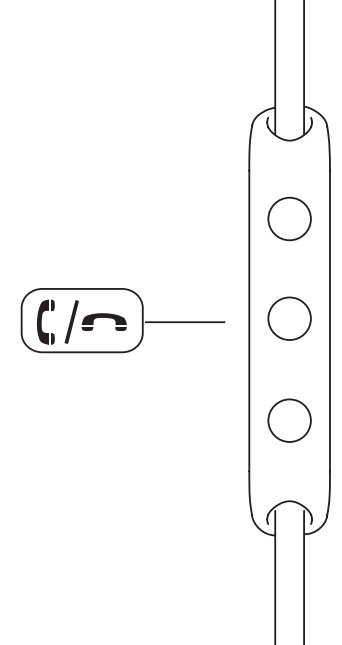 2
2
Ending a phone call.
• During a call, long-press the centre button to end it.
• During a call, press the centre button twice to transfer the call back from your Beoplay E6 Motion to your phone.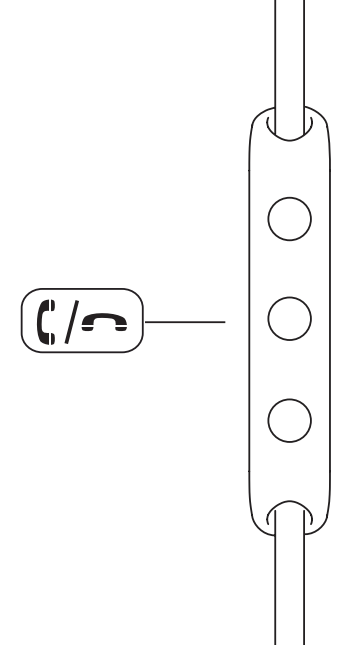 3
3
Voice recognition
•Long press the centre button to activate voice recognition.

