Charge the battery using the included USB-C cable.
Charging your headphones
- The battery indicator flashes orange when charging.
- The battery indicator turns solid green when the battery is fully charged.
Replacing the battery
- The battery is located on the left side of the headphones. Push the slider to open the battery compartment (no need to apply any force).
- Insert the new battery with the charging points pointing inwards or up.
- Close the battery lid by locking it using the slider
DO NOT attempt to plug your Beoplay H8 flight adapter into a power socket as this may cause serious damage to your headphones
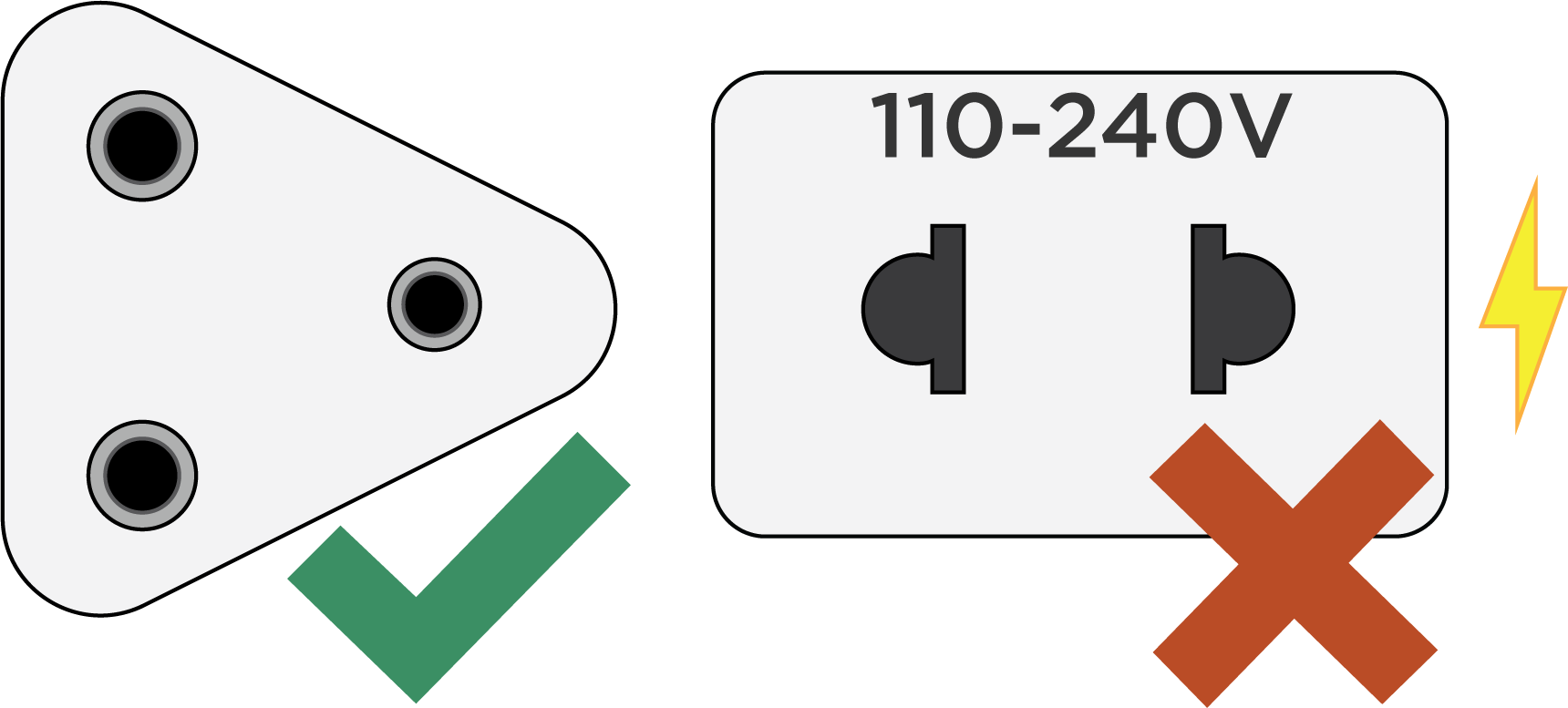 |

