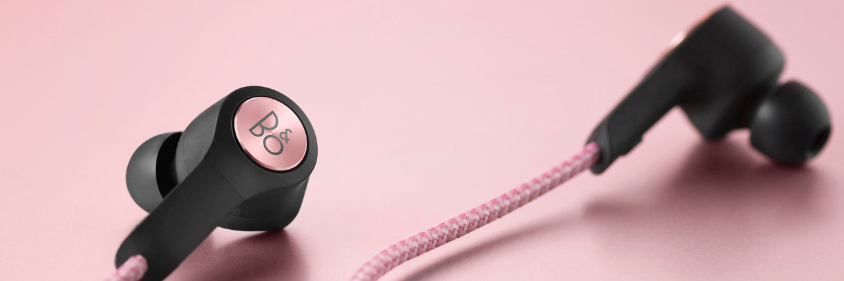
We recommend that you charge your Beoplay H5 before using it for the first time.
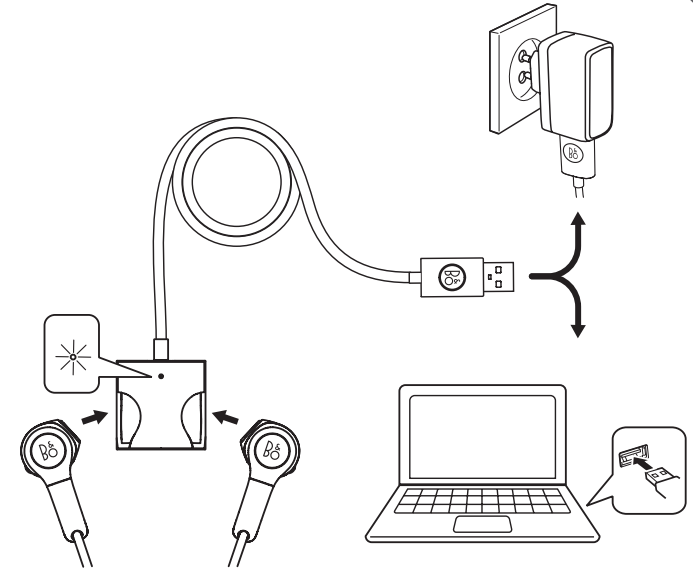
Charging your Beoplay H5
- Connect the included USB cable to your Beoplay H5 and to a charging adapter, and connect the charging adapter to a power supply. It takes approximately 2 hours for the battery to be fully charged.
Note: A charging adapter of a maximum of 5V / 3A can be used to charge your Beoplay H5.
- Connect the included USB cable to your Beoplay H5 and to a charging adapter, and connect the charging adapter to a power supply. It takes approximately 2 hours for the battery to be fully charged.

