Close search
Close search

Beoplay H8i charging instructions

H8ib2.png
Charge the battery using the included USB-C cable.

    1. mceclip0.png 1

      Charging your headphones

      • The battery indicator flashes orange when charging.
      • The battery indicator turns solid green when the battery is fully charged.


DO NOT attempt to plug the flight adapter into a power socket as this may cause serious damage to your headphones
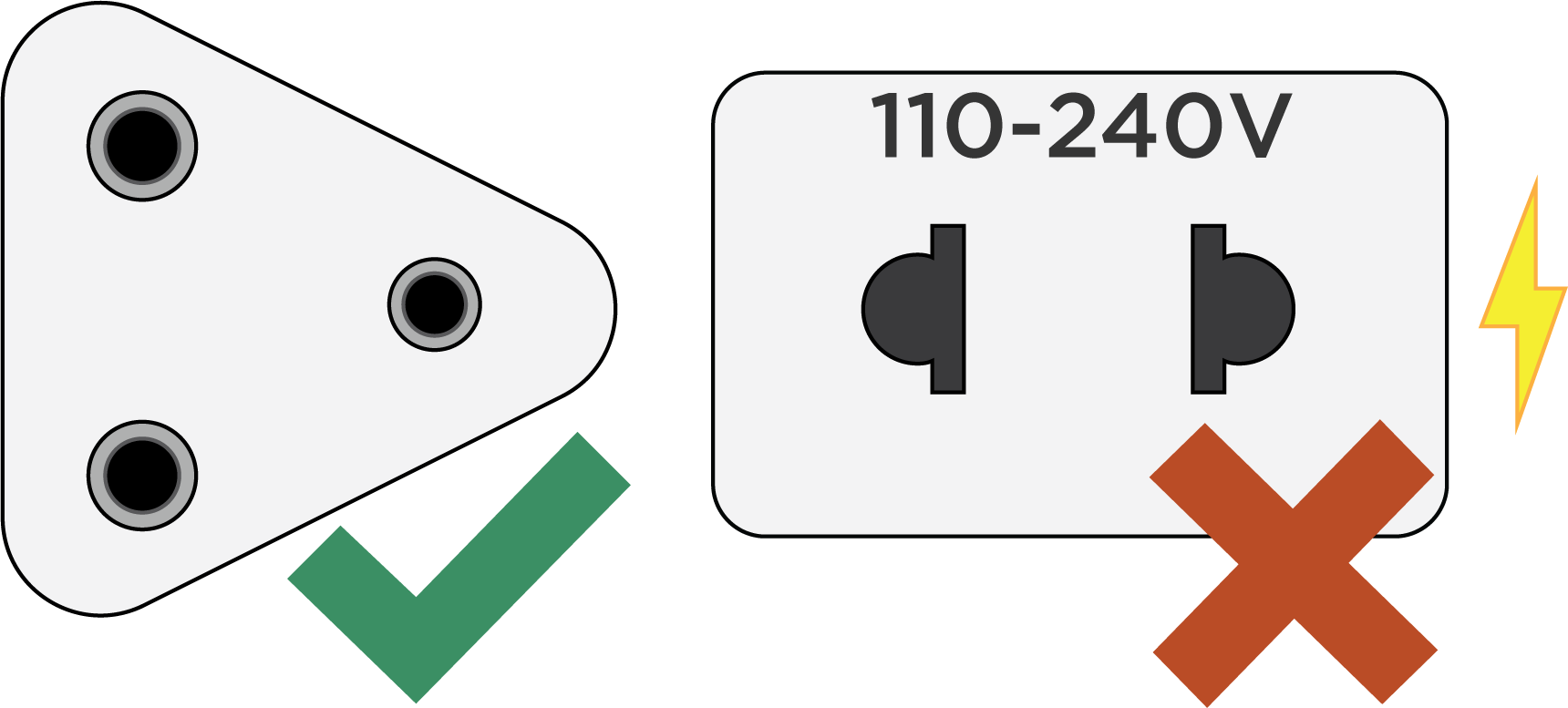
Flight_adaptor_warning_v3__002_.png

Was this article helpful?

Thank you for the feedback!


Ready to help you 24/7

Our support site is under construction

We are creating a brand-new support section for you, and this particular product group is not yet available, unfortunately.

For support of these products, we refer to the support pages accessed via the link below.

Chat support under construction

We are working on providing you with a brand-new feature.
If you need assistance with your product, please contact our service team through the contact form or by calling us.
Virtual Assistant
X
Powered by Zendesk