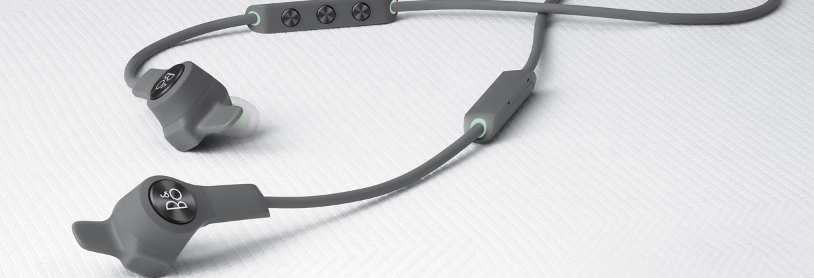
Follow the instructions below to learn how to connect your Beoplay E6 Motion to a PC:
- Turn on your PC's Bluetooth connection.
- Verify if Beoplay E6 Motion are listed as an already paired device. If yes, please remove the connection before proceeding to the next step.
- Switch on your Beoplay E6 Motion.
- Enable pairing mode on your Beoplay E6 Motion by pressing and holding the centre button for over 5 seconds. A blue indicator light will start flashing which indicates that pairing mode is now active, and Beoplay E6 Motion is ready to be connected to your PC.
- Start the Bluetooth search on your PC (for media/audio devices).
- Beoplay E6 Motion should appear as an available connection.
- Click on Beoplay E6 Motion to connect.
For further information about Bluetooth limitations, please refer to this article.

