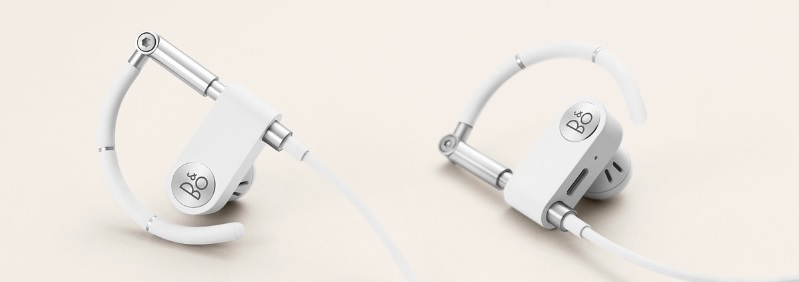
If you want to remove all paired Bluetooth devices or are experiencing issues while trying to connect, you can reset Earset to factory settings as described below:
1
Fully charge the Earset
• Connect Earset to the charging dongle.
• Connect the charging dongle to a charging adapter, and connect the charging adapter to a power supply.
• After charging the Earset for around 2 hours proceed to the next steps
Note: You can use a charging adapter of a maximum of 5V / 3A to charge your Earset.2
Switch on Earset
• Disconnect Earset from the charging dongle.
• Switch on your Earset by short pressing the centre button
• The product indicator light will turn white which indicates that the Earset is switched on.3
Reset Earset
• Press and hold the volume +/- buttons simultaneously.
• The LED indicator will start flashing red which indicates that Earset have been factory reset
After resetting you will need to pair your Earset to your mobile device again. This means that you need to remove Earset from the list of paired Bluetooth devices on your mobile device before adding them again.

