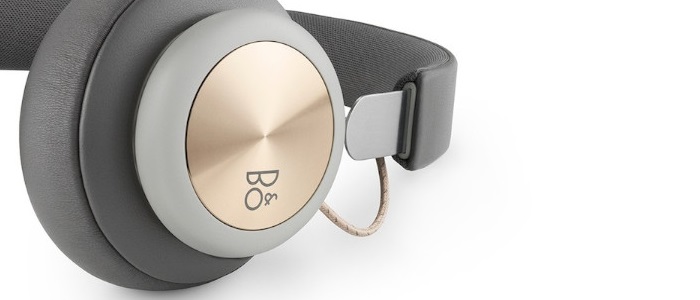
Follow the instructions here to learn how to connect your Beoplay H4 to a Mac device:
- Access System Preferences on your Mac device.
- Click on Bluetooth, then verify if Beoplay H4 is listed as an already paired device. If yes, please remove the connection. If not, proceed to the next step.
- Switch on your Beoplay H4.
- The Beoplay H4 are ready for Bluetooth pairing when unpacked after being turned on, they are ready to be connected to your MAC.
- Alternatively, press the volume up and volume down buttons simultaneously for 5 seconds to initiate Bluetooth pairing. A blue indicator light will start flashing, which indicates that the pairing mode is now active.
- Click on Bluetooth and select Beoplay H4 from the list.
- Click Connect.
For further information about Bluetooth limitations, please refer to this article.

