Close search
Close search

Beoplay H5 MAC Bluetooth connection

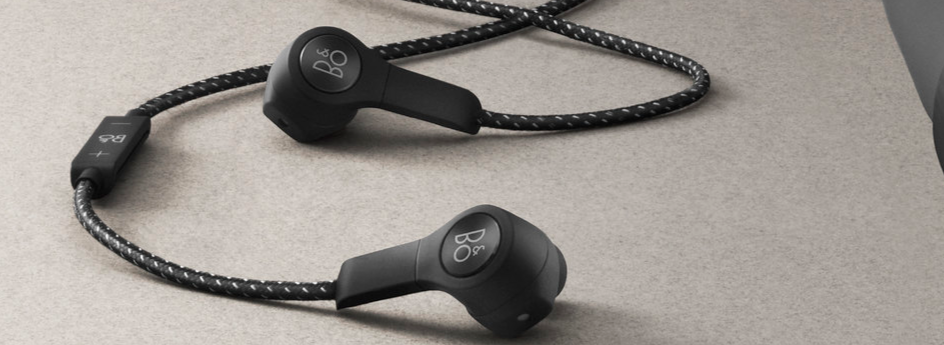
H5b2.png

Follow the instructions here to learn how to connect your Beoplay H5 to a Mac device:

  1. Access System Preferences on your Mac device.
  2. Click on Bluetooth, then verify if Beoplay H5 is listed as an already paired device. If yes, please remove the connection. If not, proceed to the next step.
  3. Switch on your Beoplay H5.
  4. Enable to Bluetooth connectivity of your Beoplay H5 by pressing and holding the centre button, your Beoplay H5 are now ready to be connected to your MAC device.
  5. Click on Bluetooth and select Beoplay H5 from the list.
  6. Click Connect.

For further information about Bluetooth limitations, please refer to this article.


Was this article helpful?

Thank you for the feedback!


Ready to help you 24/7

Our support site is under construction

We are creating a brand-new support section for you, and this particular product group is not yet available, unfortunately.

For support of these products, we refer to the support pages accessed via the link below.

Chat support under construction

We are working on providing you with a brand-new feature.
If you need assistance with your product, please contact our service team through the contact form or by calling us.
Virtual Assistant
X
Powered by Zendesk