Close search
Close search

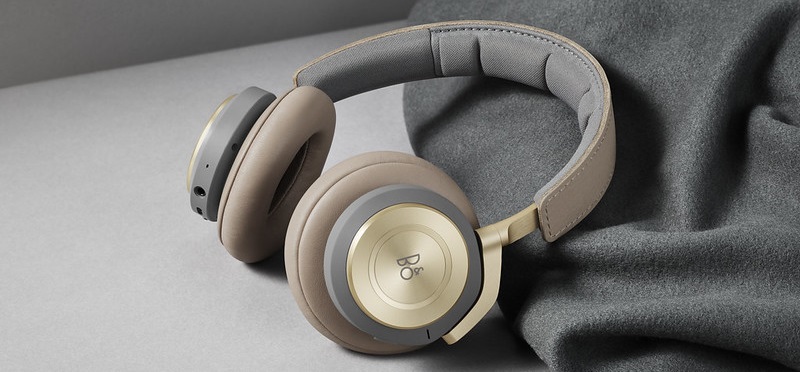
Active noise cancellation for Beoplay H9 3rd Gen

H9_3rd_Gen__1_.jpg

Active Noise Cancellation (ANC) is a feature that allows you to reduce unwanted sound by adding a second sound specifically designed to cancel the first.

      1. mceclip1.png

        ANC operation - cabled

        •When the mini-jack cable is connected, move the switch to the bottom position (OFF) to disable ANC.
        •Move the switch to the middle position (ON) to enable ANC.

      2. mceclip0.png

        ANC operation - wireless (Bluetooth mode)

        •Use the touchpad to control ANC in wireless mode.
        •ANC is enabled when the headphones are switched on and the indicator
        light turns white.
        •Swipe from top to bottom to disable ANC.
        •Swipe from bottom to top to enable ANC.

Was this article helpful?

Ready to help you 24/7

Our support site is under construction

We are creating a brand-new support section for you, and this particular product group is not yet available, unfortunately.

For support of these products, we refer to the support pages accessed via the link below.

Chat support under construction

We are working on providing you with a brand-new feature.
If you need assistance with your product, please contact our service team through the contact form or by calling us.
Virtual Assistant
X
Powered by Zendesk