Beoplay A9 3rd Gen remembers up to 8 paired connections. When switched on, it will attempt to reconnect to previously paired devices automatically.
Initiate Bluetooth pairing
- If Beoplay A9 3rd Gen has not yet been set up, please follow the instructions here.
- Press the Bluetooth button for 2 seconds until the light indicator changes to blue.
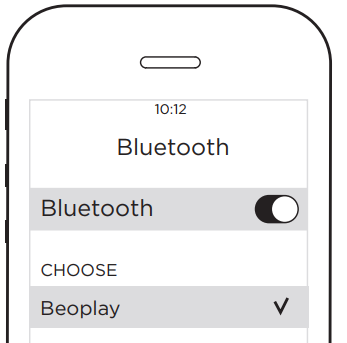
Connect to your device
- Turn on Bluetooth on your device.
- Beoplay A9 3rd Gen will appear as an available connection.
- Tap Beoplay A9 3rd Gen to connect.
- Your Beoplay A9 3rd Gen is now ready to be used.

