|
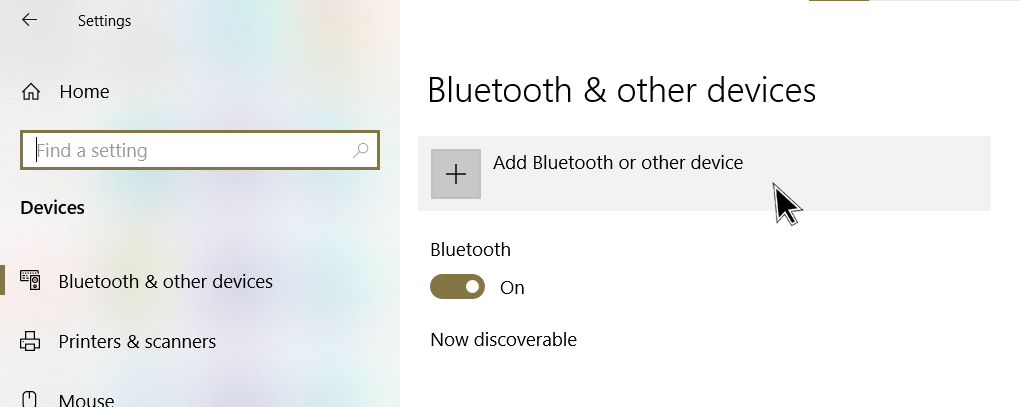
1. In Windows 10, go to Settings and select Bluetooth and other devices |
 |
|
|
2. Enable pairing mode on your Beoplay H8.
Refer to the article Beoplay H8 Bluetooth connection for further assistance. |
 |
|
|
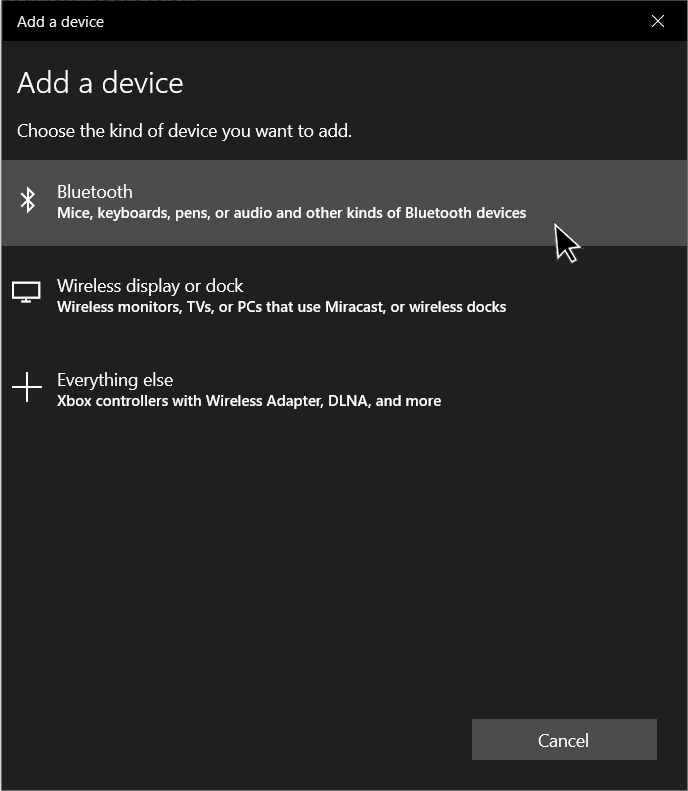
3. Select Bluetooth |
 |
|
|
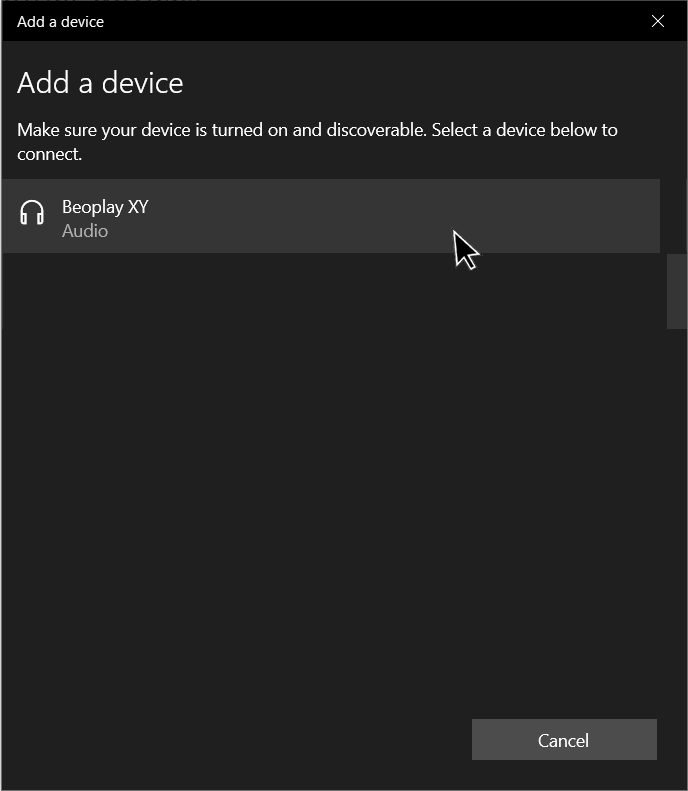
4. Wait for Beoplay H8 to appear in the device list with a headset icon
Wait a few seconds for the connection to establish.
If you select the option shown with a device icon
|
 |
|
|
5. Your Beoplay H8 are now ready for use with Windows 10. |
 |
 .
.  , audio will not work.
