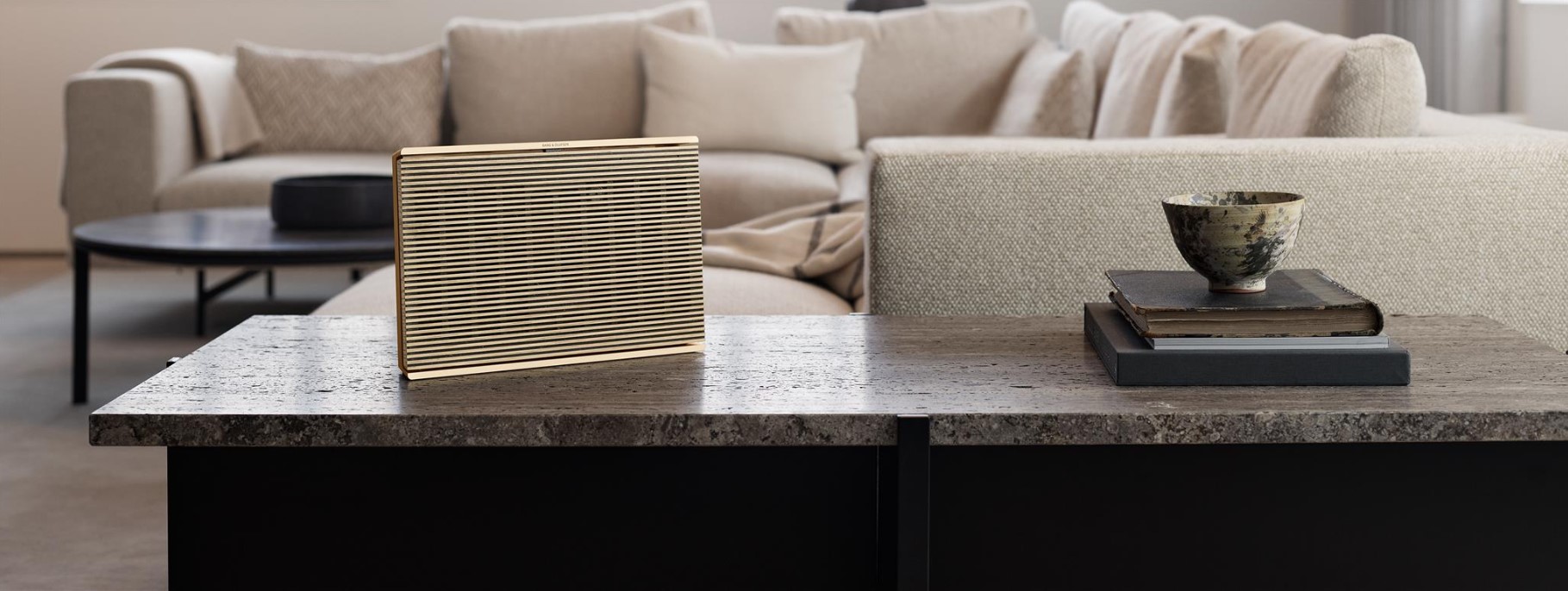
Use the Bang & Olufsen app to configure and connect your Beosound Level to your network.
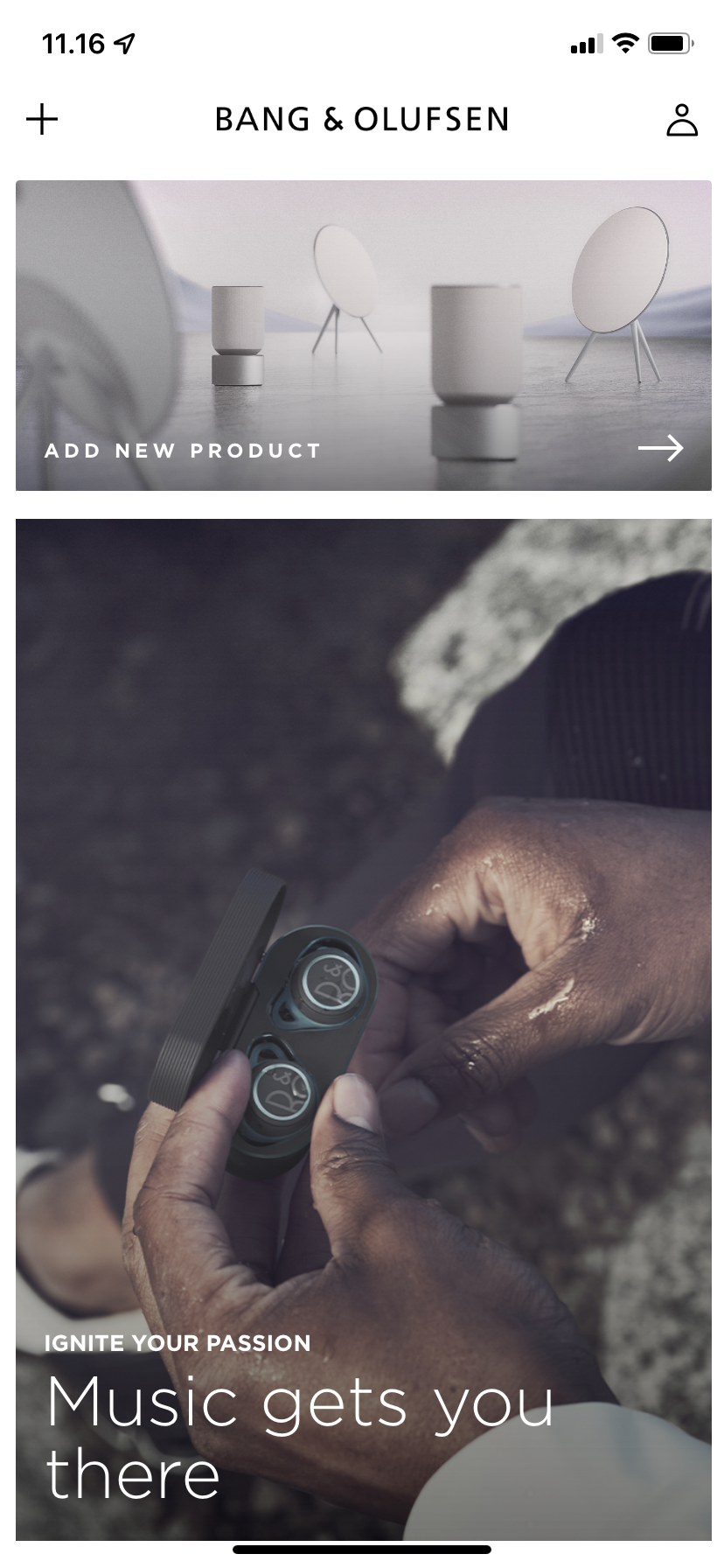 1
1
Open the Bang & Olufsen app
• Tap on "Add a product".
• Scroll to the left under "Wireless sound systems" and tap on Beosound Level.2
Connect the power cable
• Connect your Beosound Level to the mains supply.
• Tap "Next" in the app.3
Wait for the Beosound Level to start
• Please allow your Beosound Level up to 2 minutes to boot up and load all required services.
• Once the indicator has turned orange, your Beosound Level is ready for setup.
• A step-by-step guide will help you through the entire first-time setup, which includes Wi-Fi connection, room calibration, naming, cable mounting, and much more.
Note: Your mobile device must be connected to the same Wi-Fi network that you want to connect your Beosound Level to.

