|
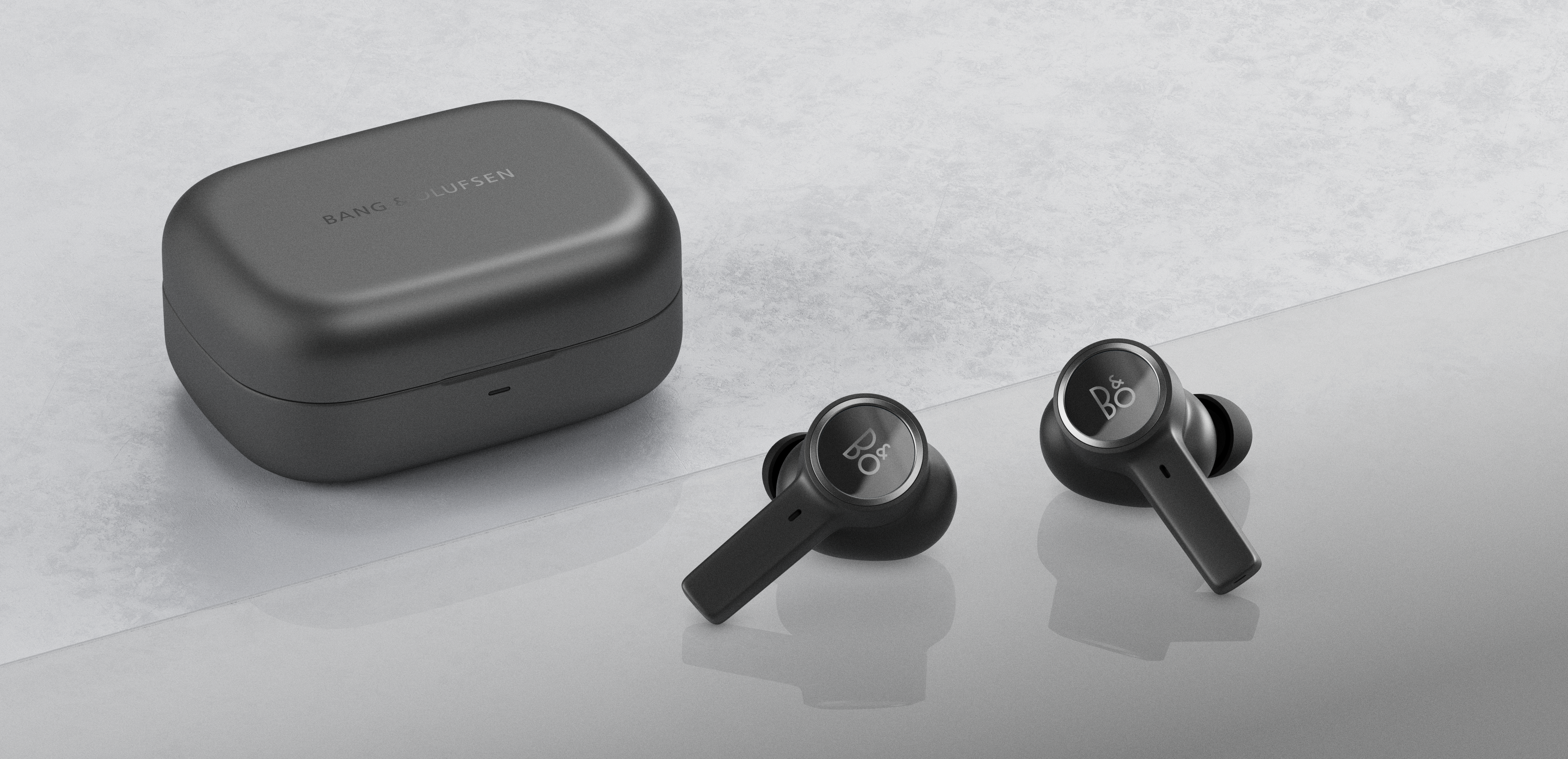
The intuitive controls for your Beoplay EX let you activate all your favourite features. These include play/pause, taking calls, and more. Here are the most important features you need to know about.
Note: You can also use your mobile device or the Bang & Olufsen app |
Play/Pause*
- Single press on the touch field of the right earphone to pause or resume playback.
Volume control
- Press and hold on the touch field of the left or right earphone to either decrease or increase volume.
Next/Previous track
- Double press on the touch field of the right or left earphone to either skip to next or previous track.
ANC/Transparency
- Single press (cycle) on the touch field of the left earphone toggle between ANC – Transparency – Neutral.
Voice Command
- Triple press on the touch field of the right earphone to activate the voice assistant supported by the connected device.
*Software version 5.5.8 introduces automatic pause/resume playback when removing/reinserting the earphones.
How do I update my Beoplay EX with the latest software?

