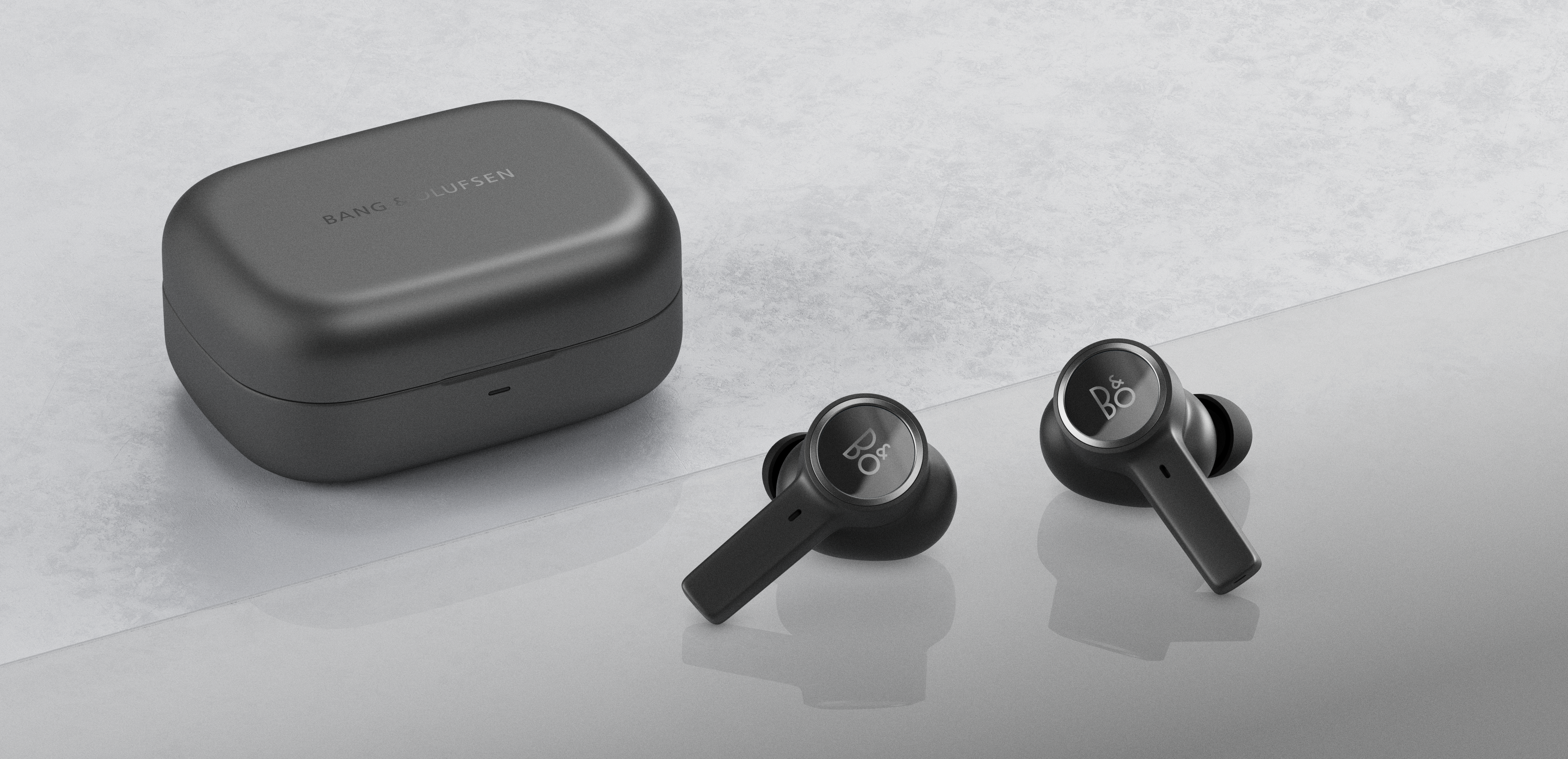
When Beoplay EX are in Bluetooth pairing mode, Microsoft Swift Pair will automatically detect them. For an alternative Bluetooth pairing procedure, follow the steps below.
-
In Windows 10, go to Settings and select Bluetooth and other devices. - Enable pairing mode on your Beoplay EX. Click here for more details
Select Bluetooth
Wait for Beoplay EX to appear in the device list with a headset icon. Wait a few seconds for the connection to establish. If you select the option shown with a device icon
, the microphones will not work.
Your Beoplay EX are now ready for use with Windows 10.

