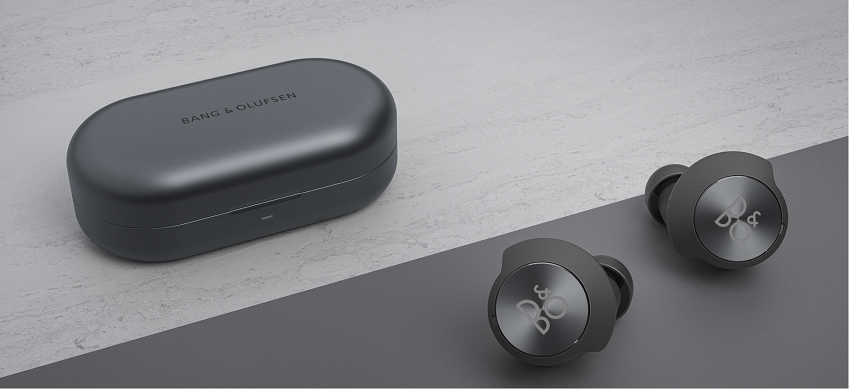
Prior to starting this process, we recommend:
- Connect the USB-C cable to your charging case and to a charging adapter.
- An orange flashing light indicates that they are charging.
Note: The maximum recommended charging adapter is 5V / 3A.
After fully charging the Beoplay EQ, follow the instructions below reset the hardware.
 1 Place both earphones in the charging case while keeping the case lid open, and make sure that the case lid is fully open.

- 2 Allow for the battery status light indicator on the charging case to turn off after approx. 5 seconds.
 3
3
Press and hold on to the touch-field on both the left and right earphones.
After 6 seconds, Bluetooth pairing mode will be triggered (light indicator flashing blue). Keep holding on to the touch fields.
Hardware reset will complete after 40 seconds (light indicator flashing white)
(Note: Once the light indicator on the charging case has flashed white 5 times, it will turn off, and the hardware reset has completed.)
Beoplay EQ have now been reset and must be removed from the list of paired Bluetooth devices on your mobile device before being added again.
Click here for instructions on how to establish a new Bluetooth connection.

