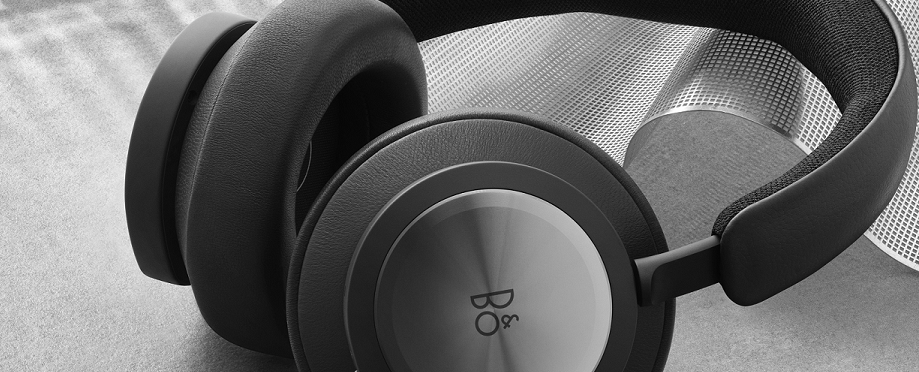
- You can use the wired connection for calls and music listening.
- In the Bang & Olufsen app or in your PC sound settings, you can choose to use the sound output from the USB-C source instead of the wireless source.
Note: This will disable Bluetooth. But if you press the Power/Bluetooth button on the right earcup for 2 to 5 seconds to initiate Bluetooth pairing, you will override the USB-C source. - If you are only connected to Bluetooth, e.g. to your smartphone, and you want to charge your Beocom Portal, you can simply charge your headphones without affecting the Bluetooth experience.
Note: Due to the headphones’ advanced DSP technology, Beocom Portal can only be used while switched on.

