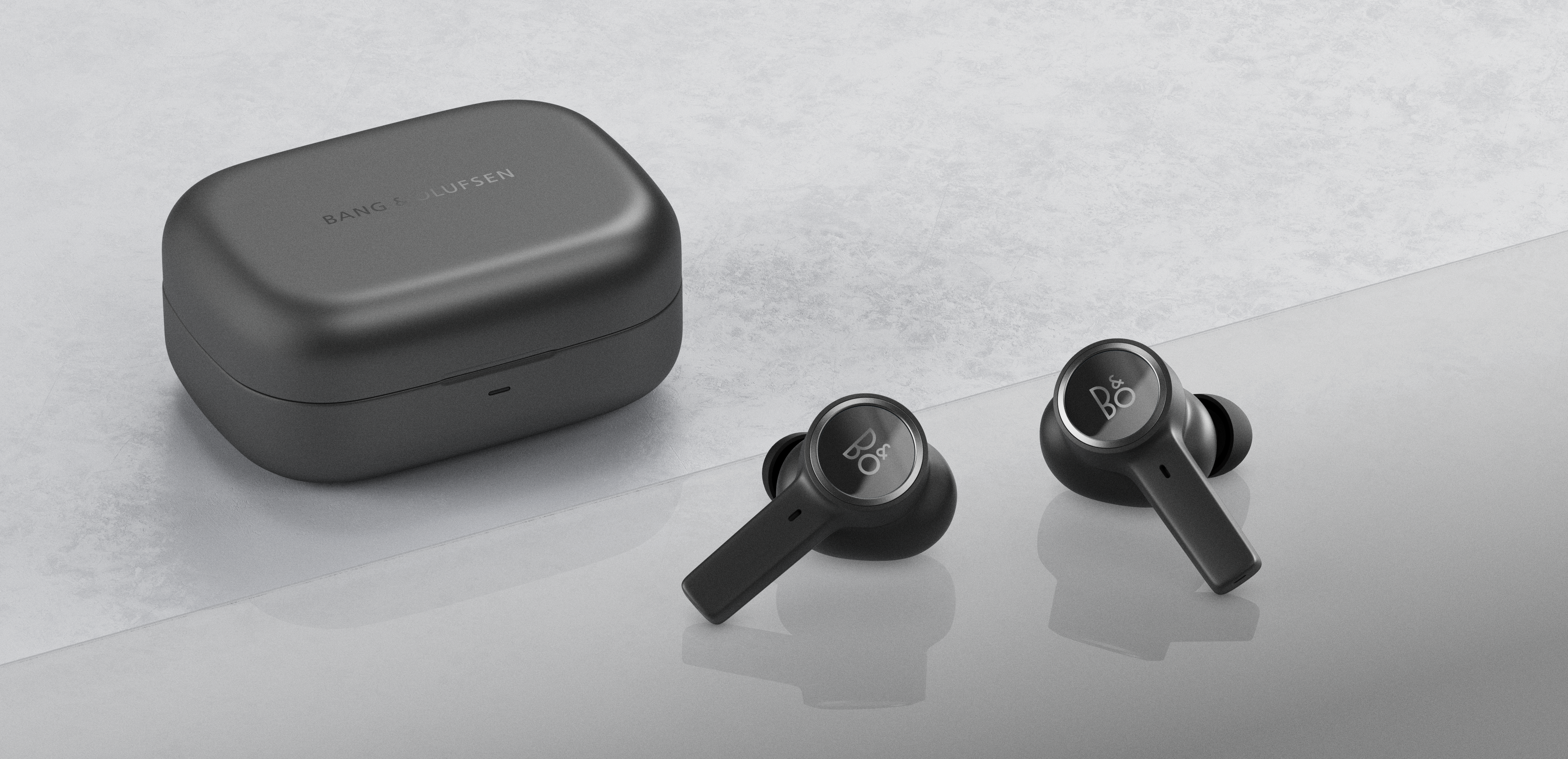
If your Beocom EX are connected to your smartphone, the battery will drain. So, to conserve power, always place the earphones in the charging case to switch them off completely when not in use.
Moreover, Beocom EX have a power saving function which is turned on by default and can be turned off in the Bang & Olufsen app. To turn the power saving function off, enter the product page in the Bang & Olufsen app and simply disable “automatic standby" from the product page as shown below.
Note: Remember, if “automatic standby” is turned on, Beocom EX will automatically switch off after 15 min. of inactivity. Meaning that if the earphones are not receiving any audio stream for 15 min., they will disconnect and switch off.

