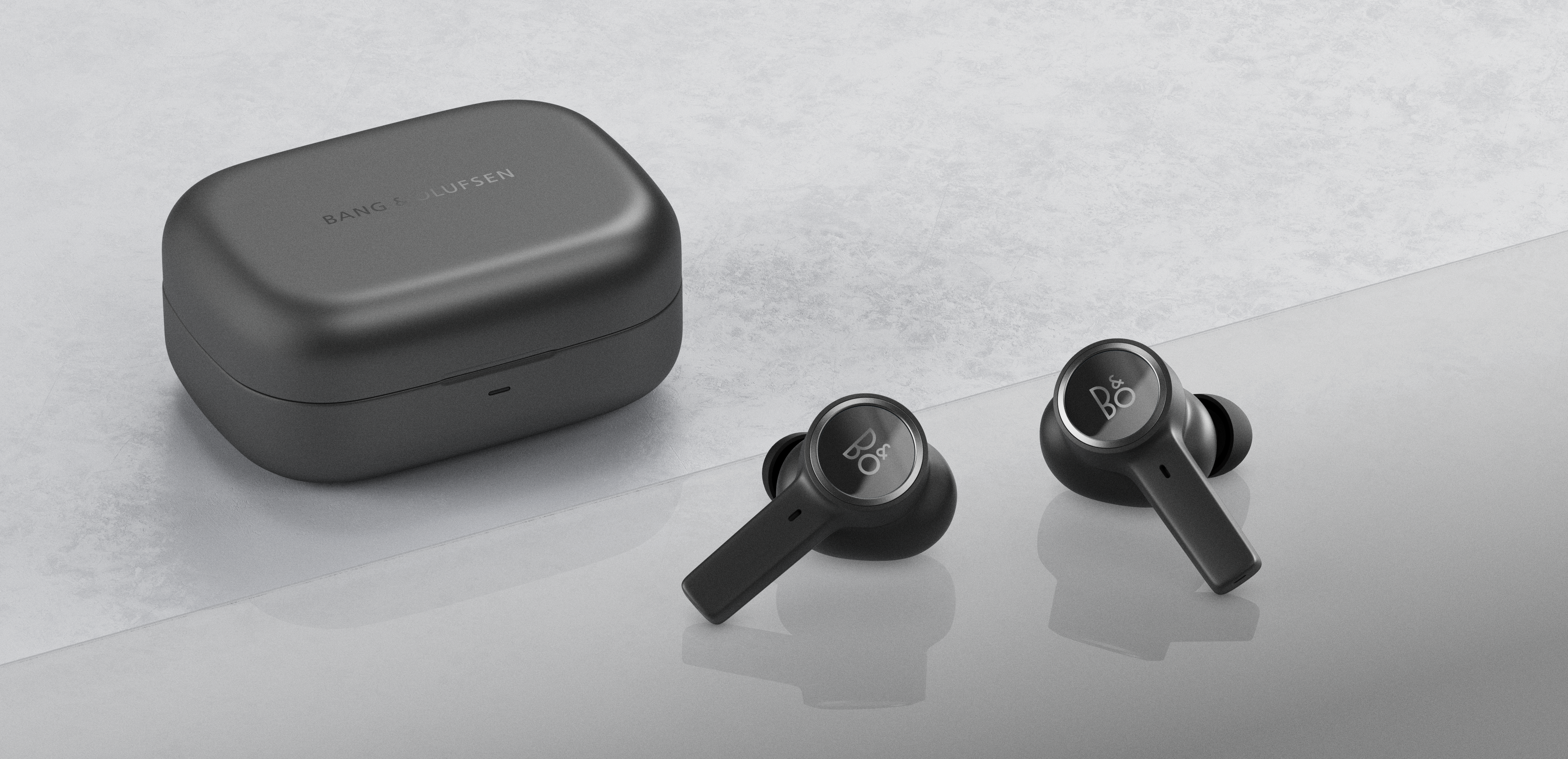
The indicator light when charging Beocom EX is described in the table below:
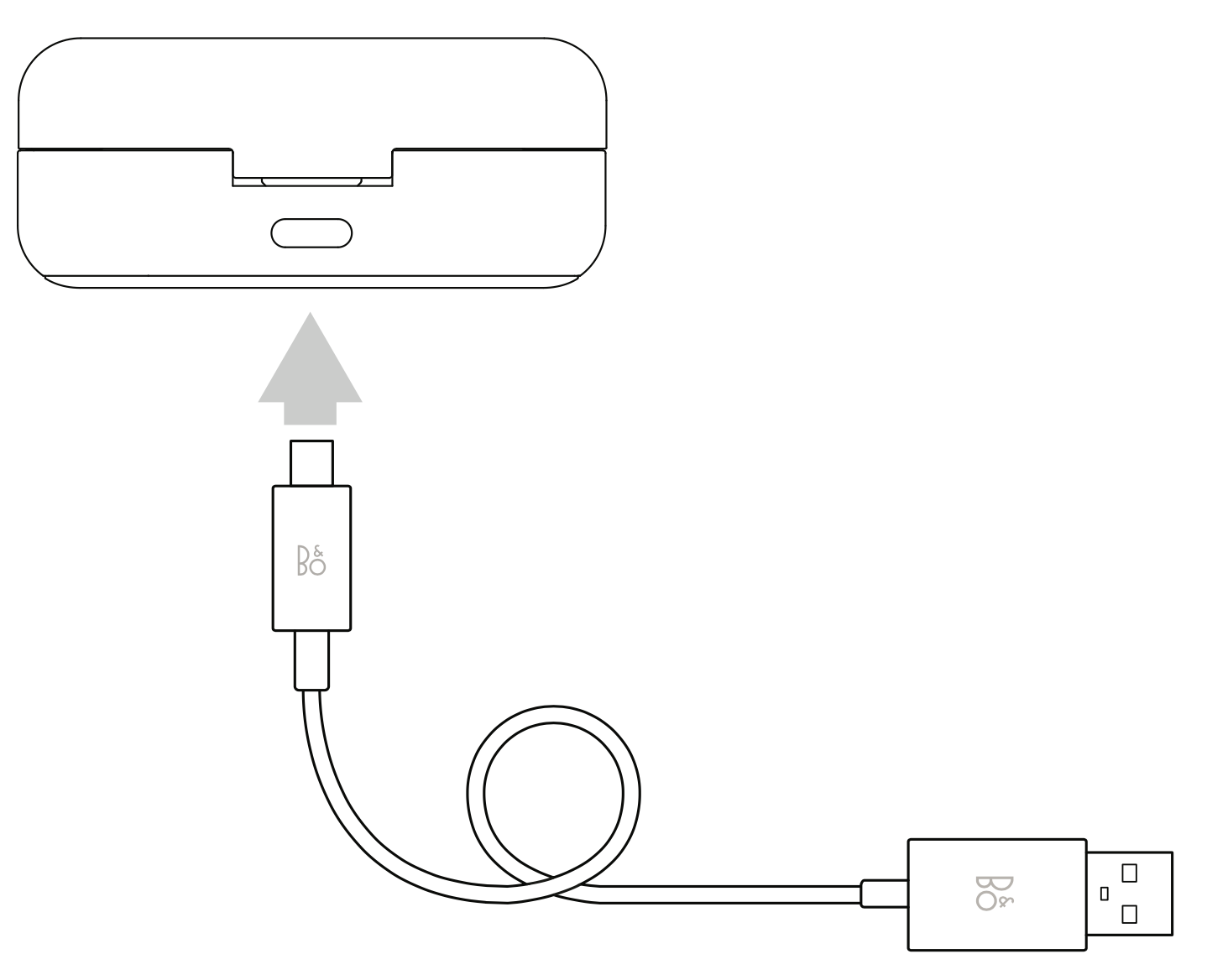 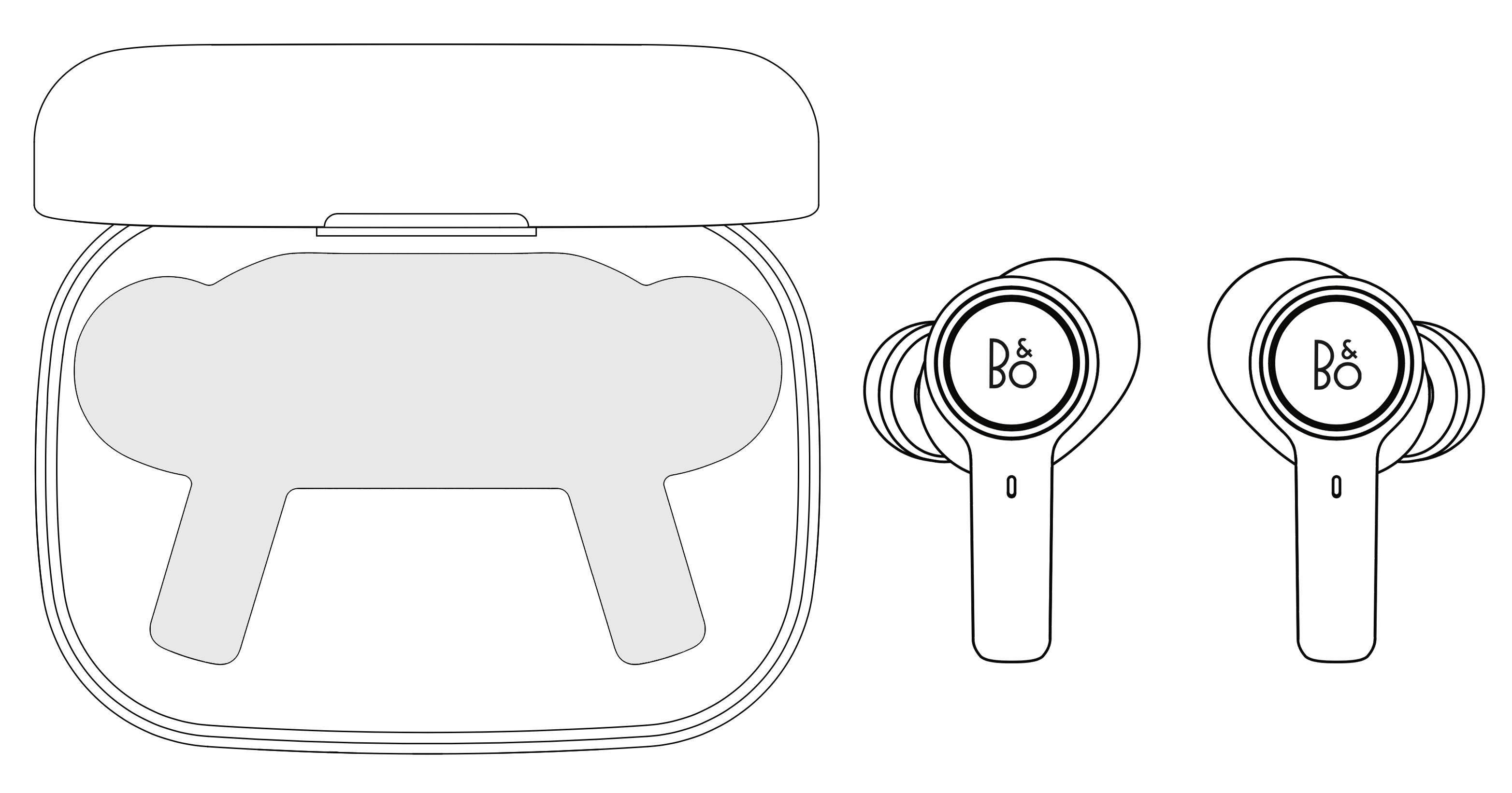 |
Charging indicator without earphones in the charging case |
|
| Orange (pulsing) | Charging case charging |
| Green (solid) | Charging case fully charged |
| Red (flashing) | Charging case overheating. Allow it to cool down and use the USB-C cable to charge instead of a wireless charger |
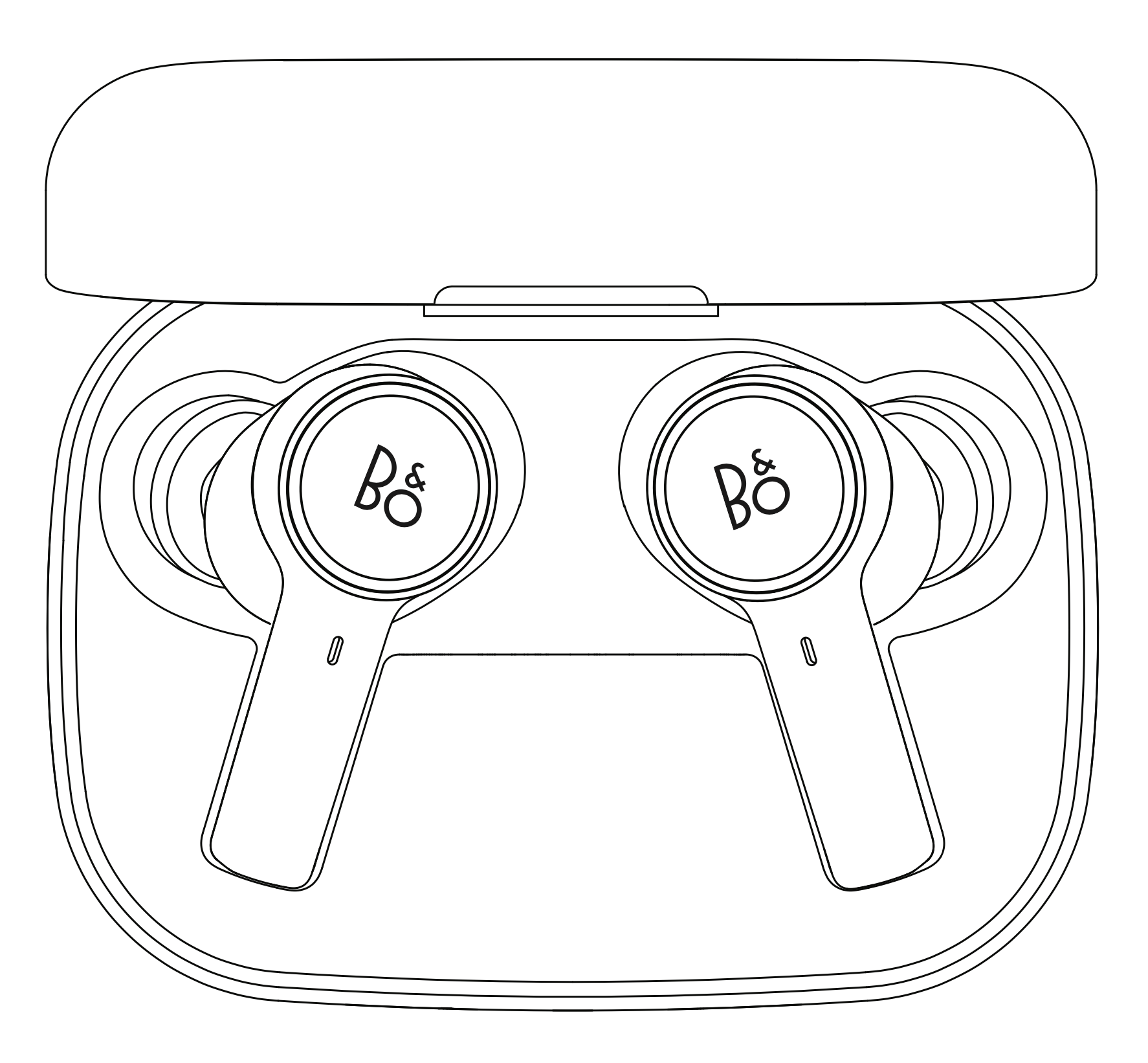 |
Charging indicator with earphones stored in the charging case |
|
| Orange (flashing) | Charging case and earphones charging |
| Green (pulsing) | Earphones fully charged, and charging case charging |
| Orange (pulsing) | Charging case fully charged, and earphones still charging |
| Green (solid) | Charging case and earphones fully charged |
| Red (flashing) | Charging case overheating. Allow it to cool down and use the USB-C cable to charge instead of a wireless charger |
|
The light indicator when not charging Beocom EX is described in the table below:
Open charging case with earphones in charging case |
|
| Orange (pulsing) | Earphones charging |
| Green (solid, 5 seconds) | Earphones fully charged |
| Blue (flashing) | Bluetooth pairing mode |
| Blue (solid) | Bluetooth pairing successful |
| Red (solid, 5 seconds) | Bluetooth pairing failed |
| Red (flashing, 5 times) | Factory reset (completed after 20 sec. and the case flashing 5 times) |
| Green (pulsing) | Charging case software update in progress. Switches off when update is complete. |
|
Open charging case without earphones in charging case |
|
| Green (solid, 5 seconds) | The charging case has more than one full charge |
| Orange (solid, 5 seconds) | The charging case has less than one full charge |
| Red (solid, 5 seconds) | The charging case has very low battery, charge the case now |

