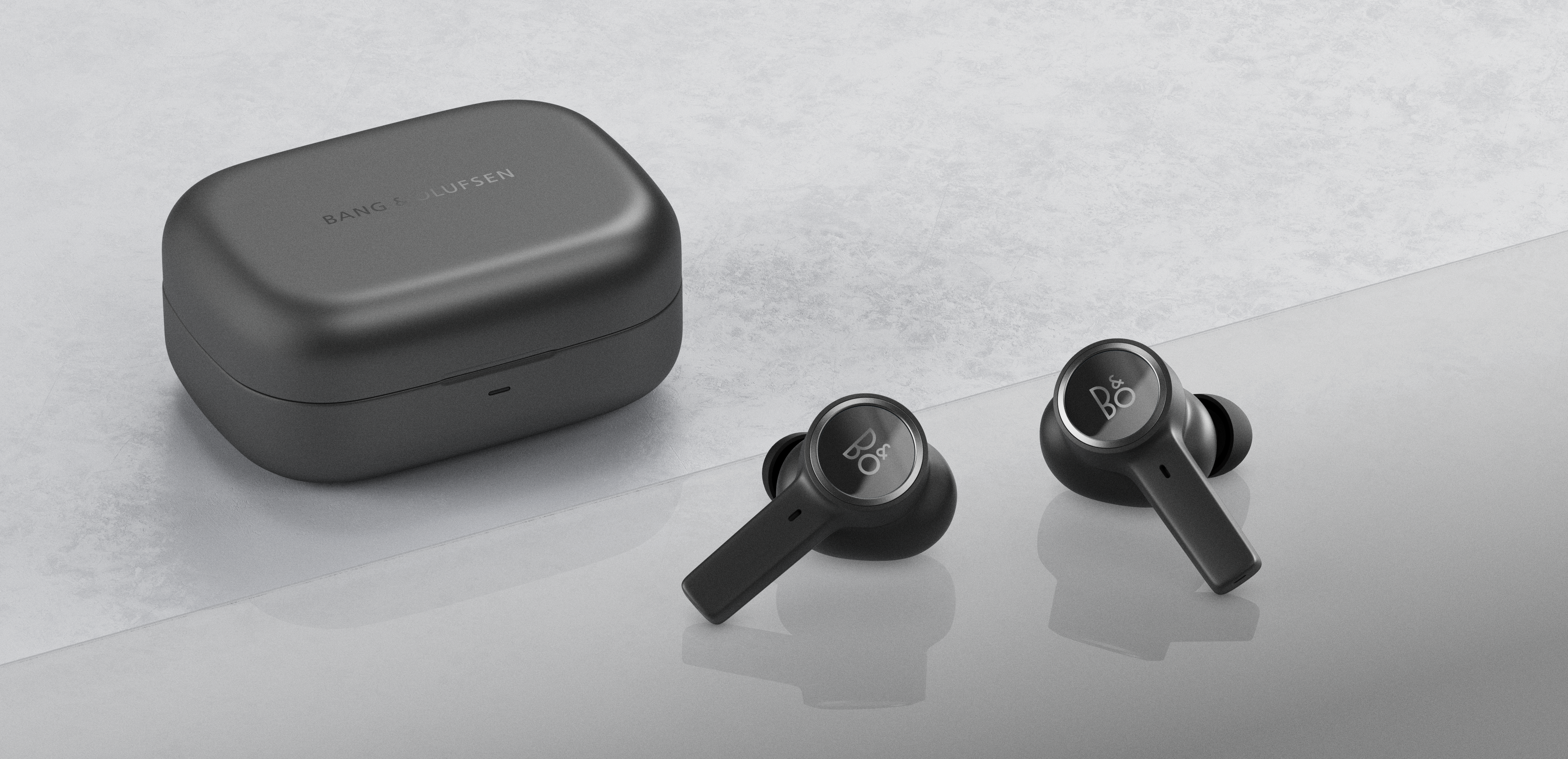
It is important to charge your Beocom EX fully before initiating a software update. When software updating, you need to place both earphones in the charging case and keep the lid open. If the earphones are removed from the charging case, the software update will stop.
Note: If you get an error message while updating, try closing and opening the lid again.
| Charging case light indicator | Charging case status |
| Green (flashing) | Software update in progress |
| Green (solid, 5 seconds) | Software update completed |

