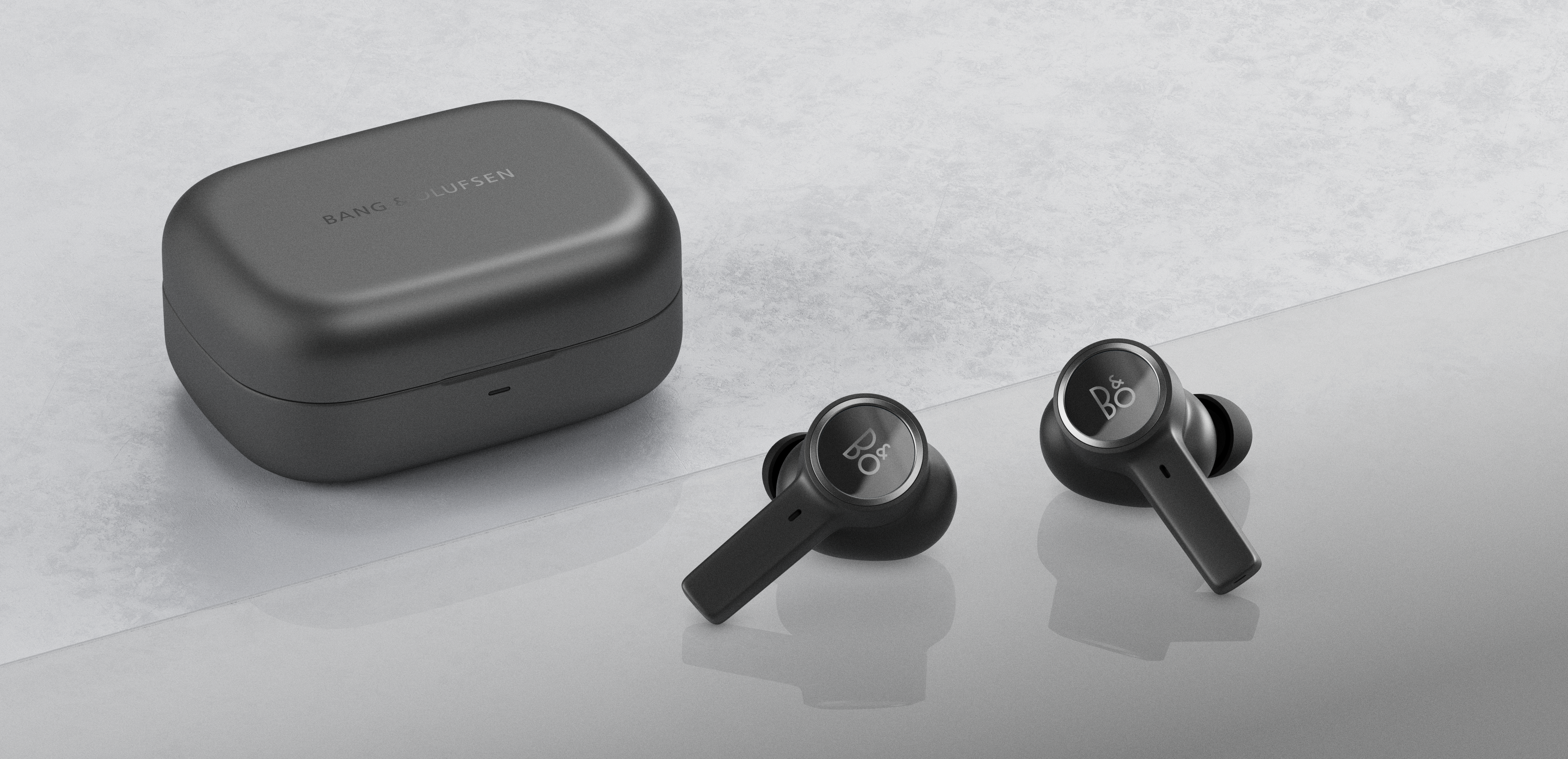
Use the touch field on the left earphone to control transparency. You can enable and disable Transparency by a single tap on the touch field, and you can switch between ANC – Transparency – Neutral.
Note: Transparency is disabled when Beocom EX are switched on.

