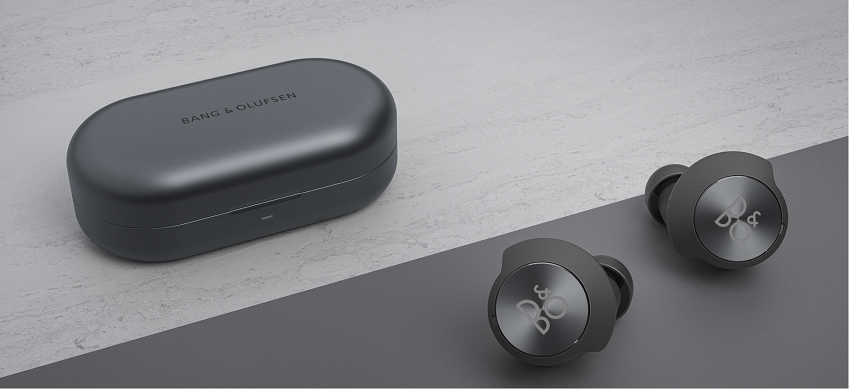
If you are experiencing issues connecting Beoplay EQ to your device, the following factors may affect connectivity:
Interference with the Bluetooth signal:
Bluetooth operates in the 2402 to 2480 MHz range and may be disturbed by other 2.4 GHz networks (e.g. Wi-Fi routers, wireless keyboards, etc.). Switch off or remove other Bluetooth connections in the surroundings and check if this solves the issue. Alternatively, go to another location, such as an elevator or outside, where Bluetooth interference from other products is less likely and check if the connection works.
Distance between your Beoplay EQ and the Bluetooth device:
Make sure that you are facing the Bluetooth transmitting device (max distance is 10 meters and line-of-sight). Check if the problem is solved.
Bluetooth antennas in different PC and mobile units vary in quality. Try testing with another type of Bluetooth device, for example, another mobile phone. Alternatively, you can click here to review the steps for a factory reset.

