Close search
Close search

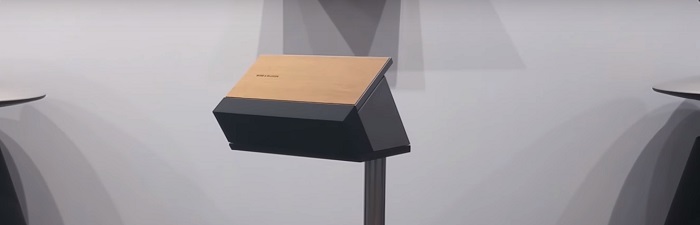
Beosound Moment 蓝牙连接

Moment.jpg

请按照以下步骤将蓝牙发射设备与 Beosound Moment 配对。

  1. 取下 Beosound Moment 的插座护盖。
  2. 在蓝牙发射设备的设置菜单中启用蓝牙。
  3. 当 Beosound Moment 出现在其他蓝牙设备列表中时,选中 Beosound Moment。
  4. 建立连接后,Beosound Moment 就会显示于已连接设备列表中。


这篇文章有帮助吗?

感谢您的反馈!


我们随时提供帮助

Our support site is under construction

我们正在为您创建一个全新的支持部分,但遗憾的是,该特定产品组尚不可用。

对于这些产品的支持,我们参考通过以下链接访问的支持页面。
聊天支持正在建设中

我们正在努力为您提供该项全新的功能。 您可通过填写联系表单或致电的方式联系服务团队,获取产品相关的帮助。contact form or by calling us.
Virtual Assistant
X
由 Zendesk 提供技术支持