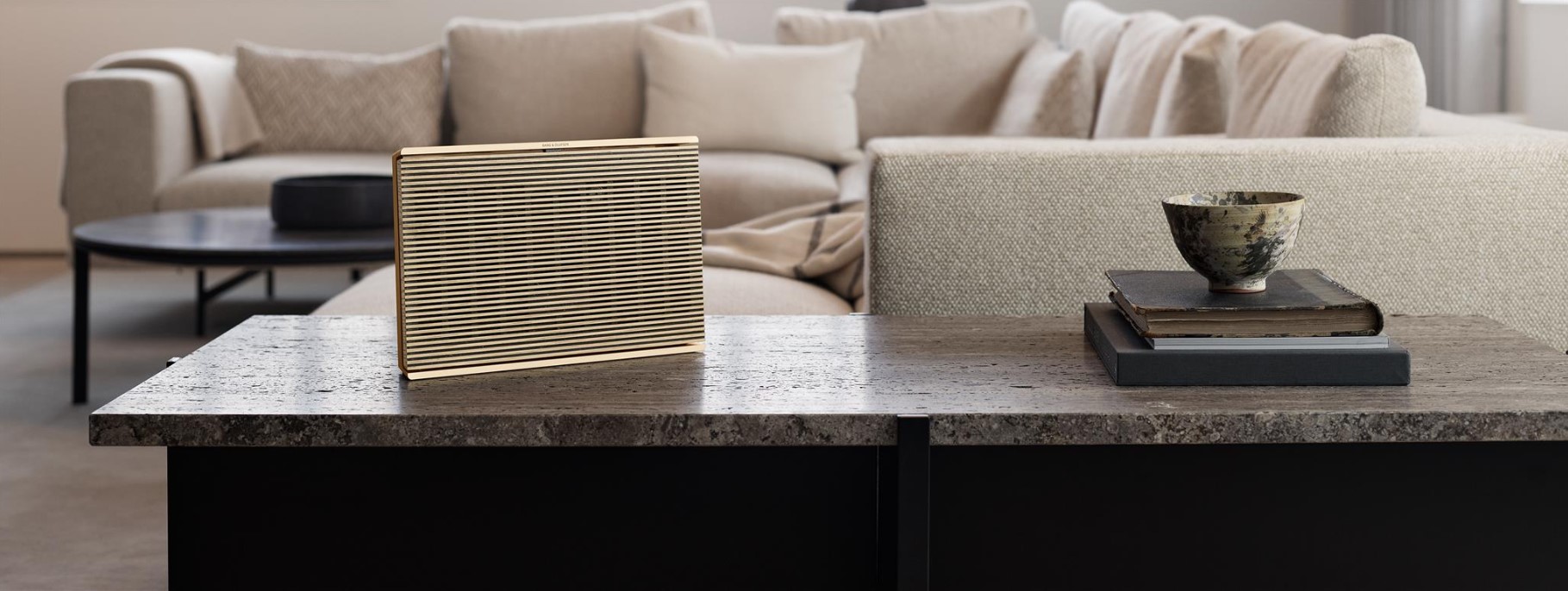
使用 Bang & Olufsen 应用程序配置 Beosound Level 并将其连接到网络。
 1
1
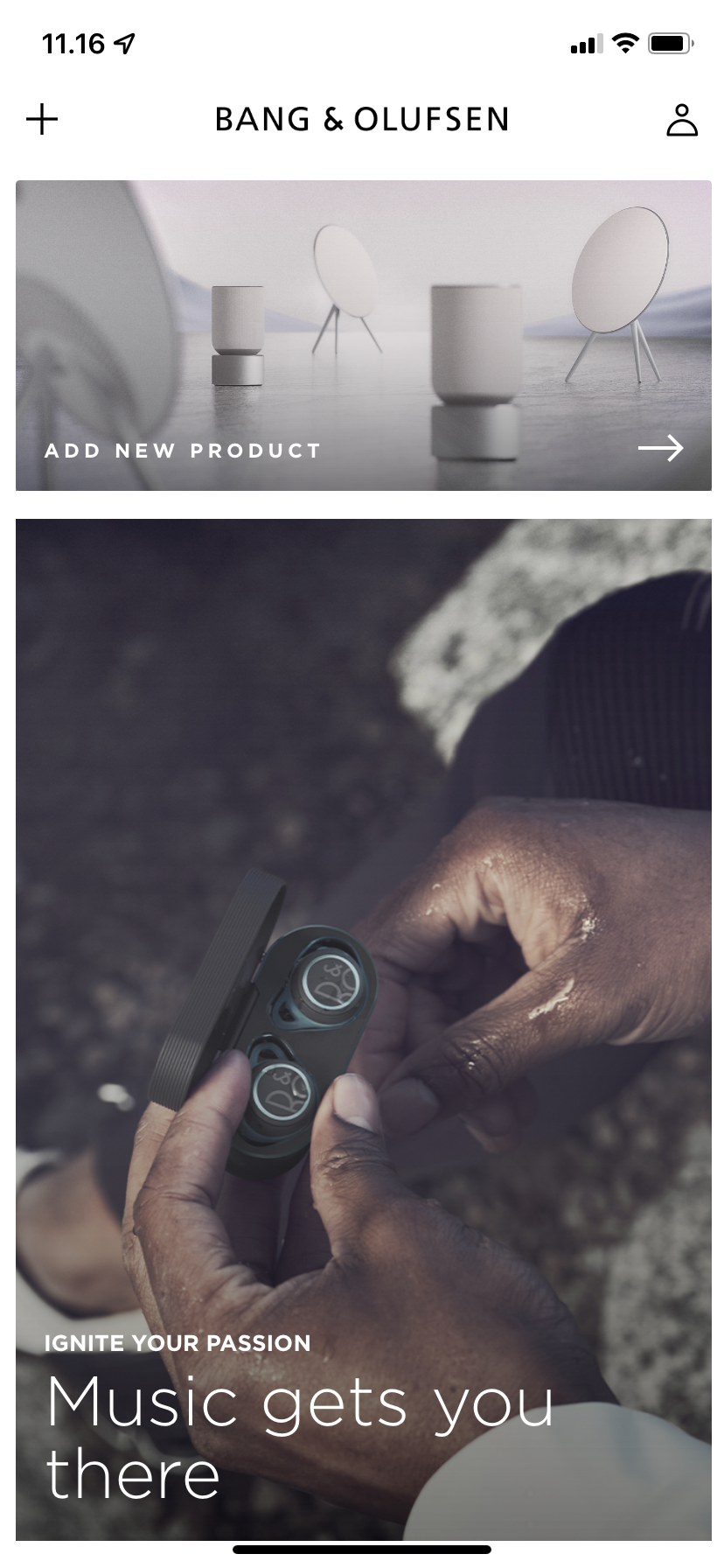
打开 Bang & Olufsen 应用程序
• 点击“添加产品”。
• 在“无线音响系统”下向左滚动,然后点击 Beosound Level。2
连接电源线
• 将您的 Beosound Level 连接到主电源。
• 在应用程序中点击“下一步”。3
等待 Beosound Level 启动
• 请让您的 Beosound Level 最多 2 分钟来启动并加载所有必需的服务。
• 分步指南将帮助您完成整个首次设置,包括 Wi-Fi 连接、房间校准、命名、电缆安装等等。
注意:您的移动设备必须连接到您要将 Beosound Level 连接到的同一个 Wi-Fi 网络。

