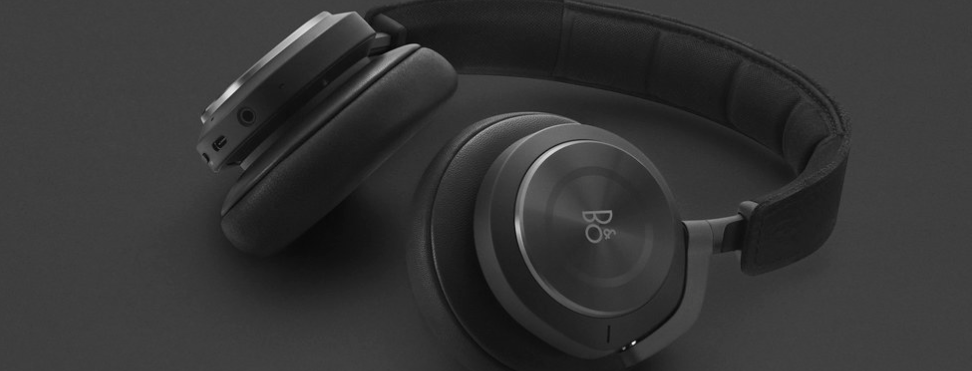
Follow the instructions below to learn how to connect your Beoplay H9i via the cabled connection:
- If the mini-jack cable features a microphone/control panel, the jack connector closest to the microphone/control panel should be connected to the jack socket of your Beoplay H9i.
- If connecting sources such as amplifiers or MP3 players, use a mini-jack cable without a control panel or microphone.
- Once the cable is connected to the mobile device/source, connect the opposite jack connector firmly into the socket of Beoplay H9i.
- If you do not hear any sound playing in the headphones:
- Ensure that both jack connectors are firmly pushed all the way into each jack socket to ensure solid contact.
- Turn up the volume on the connected source and on your Beoplay H9i.
- Try using a different cable.
If you are still experiencing difficulties, please contact our support team here.

