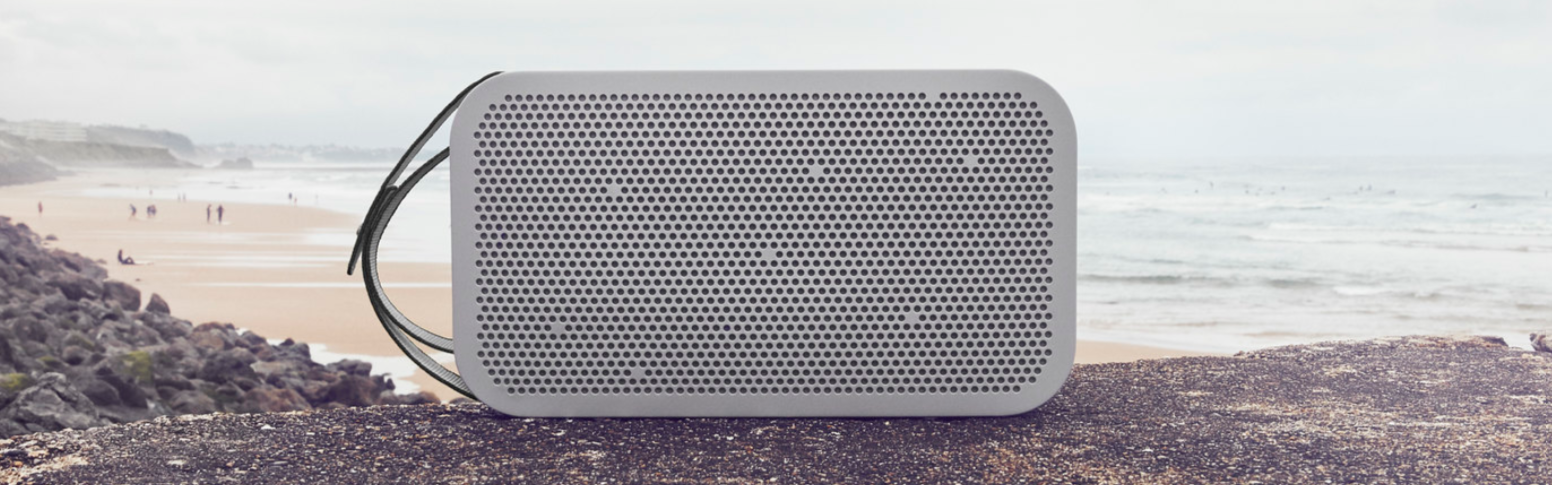
Follow the instructions here to learn how to connect your Beoplay A2 Active to a device:
- Turn on Bluetooth on your device.
- Verify if Beoplay A2 Active is listed as an already paired device. If yes, please remove the pairing. If not, proceed to the next step.
- Switch on your Beoplay A2 Active.
- Enable pairing mode on your Beoplay A2 Active by pressing and holding the Bluetooth button for 2 seconds. The product indicator will start flashing blue, and your Beoplay A2 Active is ready to connect to your device.
- Enable the Bluetooth search on your device.
- Wait for the Bluetooth search to stop completely.
- Beoplay A2 Active should appear as an available device.
- Tap Beoplay A2 Active to connect.
Note: Waiting for the Bluetooth search to stop is very important as this ensures that your Beoplay A2 Active is recognised as a media device.

